How can I turn one product photo into a video ad?
Start with a clear product image, choose a short visual idea, and use an image-to-video workflow to create motion around it. CREATR offers product-video tools for this task. Review the product throughout the clip, then add and verify any offer, copy, audio, and call to action needed for the finished ad.
Account required. Review the trial allowance and credit costs before generating.
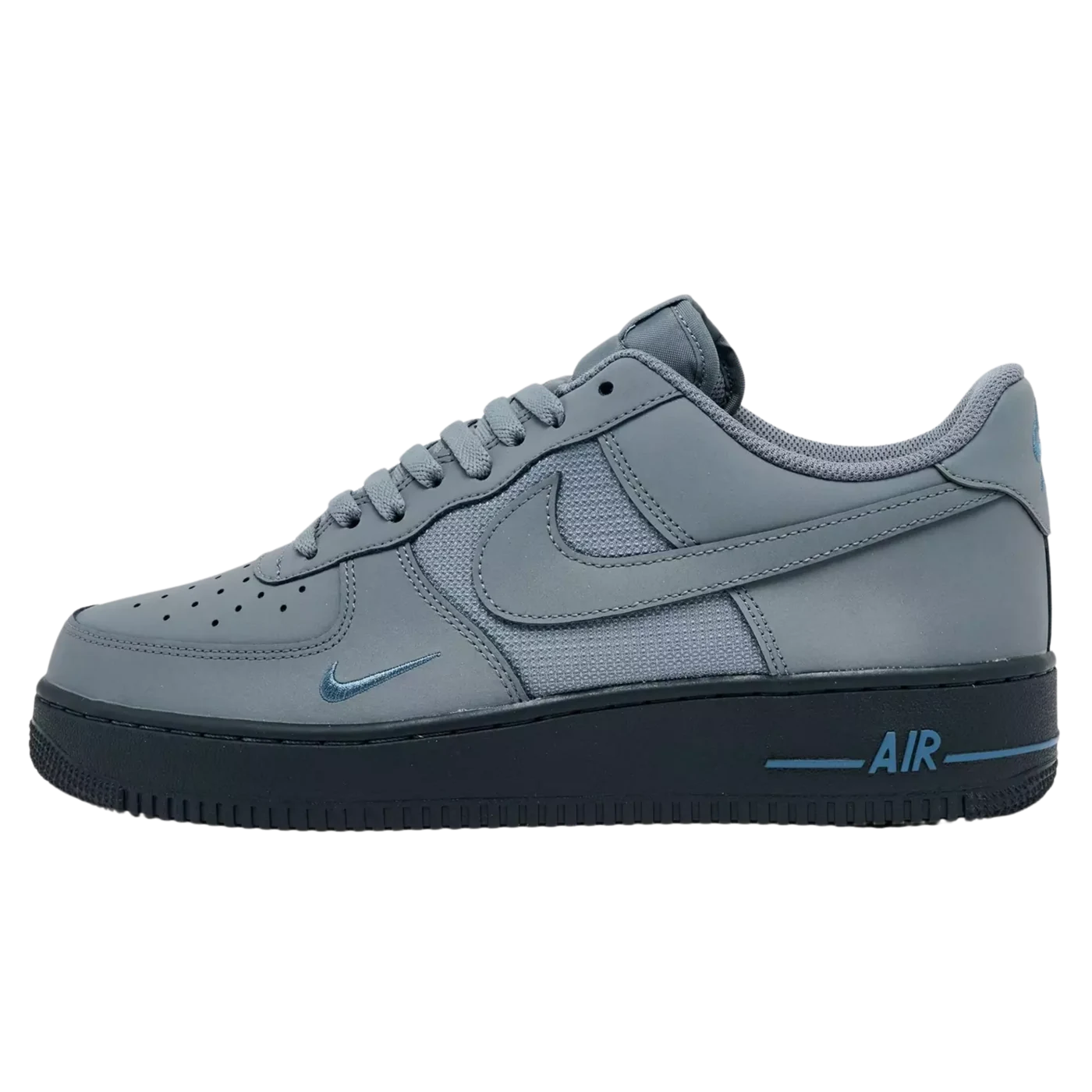
The original sneaker image and an existing CREATR video showcase. Play the clip to inspect motion and product detail. This is a creative example, not a measured ad result or a guarantee of product consistency throughout every generation.
See the original CREATR showcaseA generated product clip becomes an ad only when its message, details, and final format are ready.
What belongs in the video brief?
- One message for the viewer
- Decide whether the ad should introduce the item, establish a setting, show a detail, or support a specific offer. Give the clip one clear purpose. Motion without a useful message can make the product harder to understand.
- Movement the source can support
- Choose restrained motion when logos, fine detail, or a specific silhouette matter. Large camera moves can reveal unseen surfaces or alter the item. Do not use generated motion to claim that a product performs a function you have not demonstrated.
- The actual publishing format
- Choose the aspect ratio, crop, duration, and text-safe area for the destination. Keep the product and message visible where interface controls may cover the frame. Check the platform’s current specifications before export.
- Copy, offer, and sound
- Verify prices, dates, product claims, and the CTA. Confirm the right to use any music, voice, or other assets you add. A visually finished clip can still be an incomplete ad if the message is inaccurate or the audio is unlicensed.
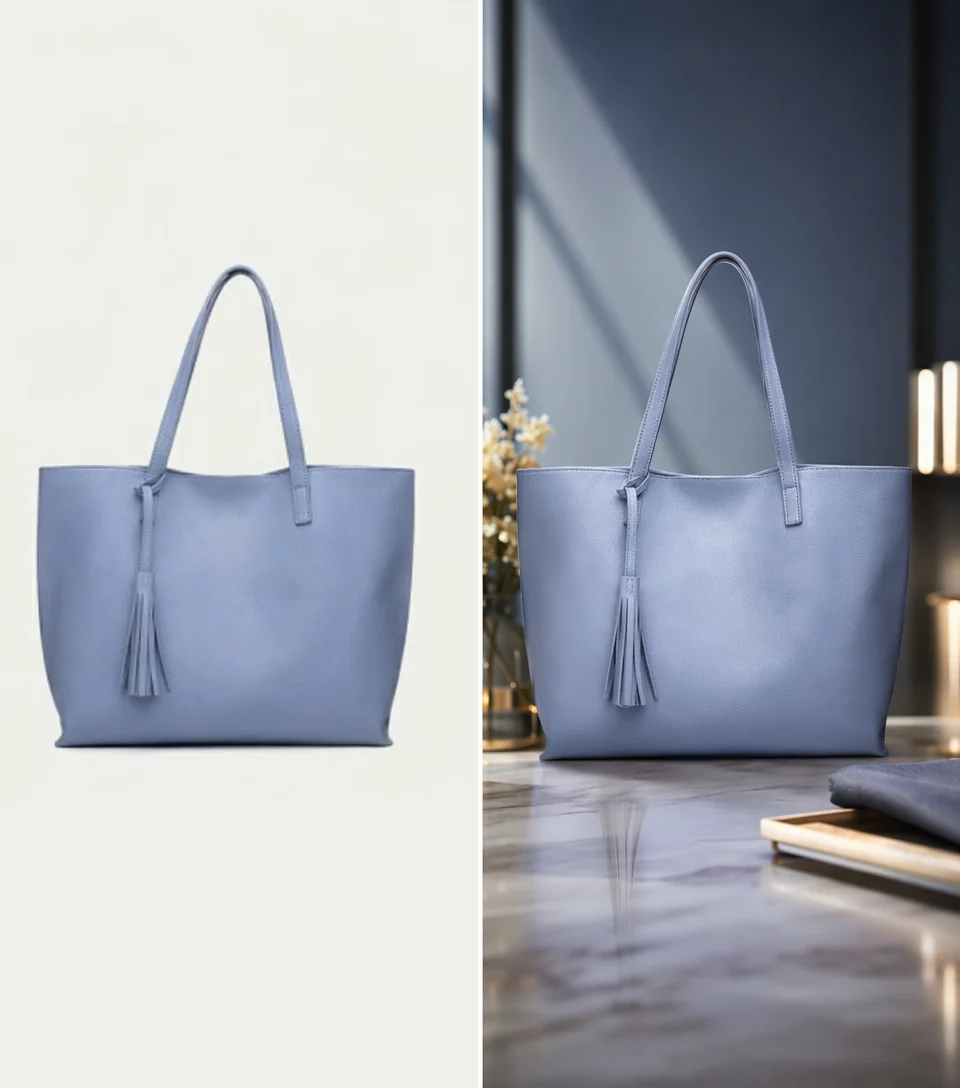
Approve a still composition before adding motion.
This static scene example illustrates an earlier review step; it is separate from the sneaker video above. Check the product, surface contact, and lighting first. Adding movement does not correct an inaccurate starting composition.
Inspect full-size exampleCreate the clip, then finish the ad
Prepare the product and idea
Select an approved source, identify the correct variant, and write a short brief for the scene and motion. Keep a version without advertising copy so text can be checked and added deliberately.
Generate and inspect the motion
Use the product-video workflow and review its current duration and credit options. Watch the entire result, pausing on logos, edges, materials, and any moments where the shape changes or becomes obscured.
Assemble and review the final placement
Add the message and CTA in your editing workflow. Preview the full ad at its destination size, with and without sound. Export only after the product, offer, timing, and crop pass review.
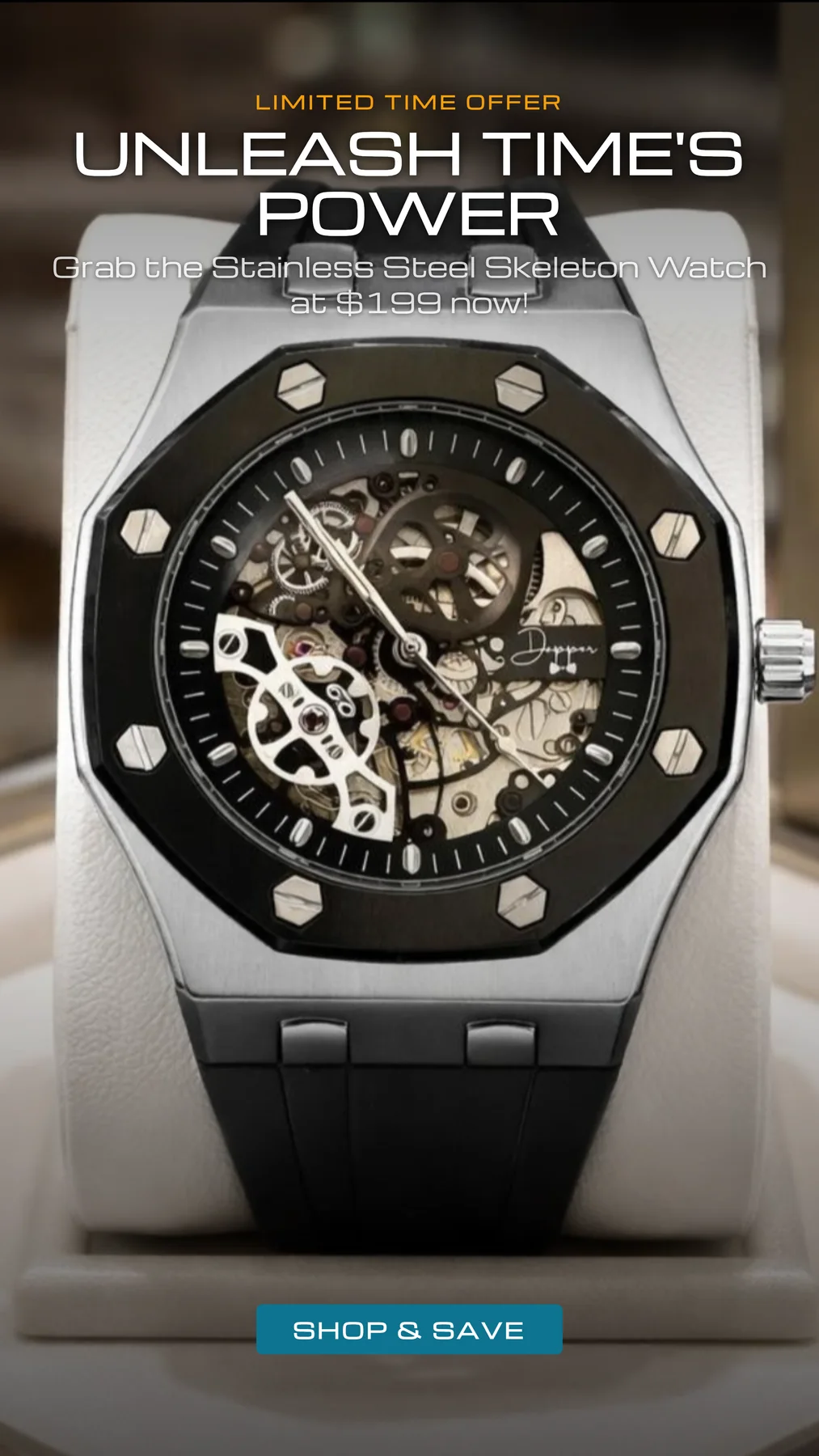
Review the complete ad composition.
This archived still ad shows how a headline, product image, offer, and call to action share a frame. Use the same placement review for a video ad. Pictured prices and offers are example artwork and require independent approval before use.
Inspect full-size exampleWhat should the generated clip not imply?
A generated sequence is not documentary proof of durability, fit, effectiveness, or mechanical behavior. Use real demonstrations when a claim depends on the item performing a physical action.
A product film is not automatically a complete ad, a spokesperson video, or a platform-approved asset. Choose the workflow for the actual deliverable and review the destination requirements.
Results vary with the source and movement. Count rejected clips and editing time when evaluating cost. Do not assume a generated ad will improve sales or engagement without testing it.
Your review checklist
Use this on your own result. You make the assessment.
0 of 5 checks marked complete.
Questions before you choose
Do I need to film the product first?
An image-to-video concept can start from a still. Use real footage when you need to prove a physical function, interaction, or performance claim that the source photo cannot establish.
Will the generated clip include my final ad copy?
Treat motion, copy, offer, and CTA as separate review items. Use the workflow that supports the deliverables you need, and verify all text before publishing.
Should every product video include a large camera move?
No. Select motion that supports the message and product accuracy. A restrained reveal or environmental movement may be more usable than a dramatic move that invents unseen details.
Sources and product context
CREATR publishes this guide and offers the photo tools discussed here. The example is from our existing showcase; no cross-tool benchmark or conversion improvement is claimed. Product documentation checked October 29, 2026.
- Shopify: product media
Review how images, videos, and 3D media will appear on the product page. Check the requirements of your actual store and theme.
Try the workflow with your product.
Keep your approved source beside the result. Choose the assets that meet your brief, and review the details before publishing.