How much does AI product photography cost per usable image?
Divide the total cost of a production batch by the images you actually approve. Include the plan or credits used, paid editing, and the time spent generating, correcting, and reviewing. Cost per generation is only one part of the decision because rejected outputs still consume resources.
Account required. Review the trial allowance and credit costs before generating.
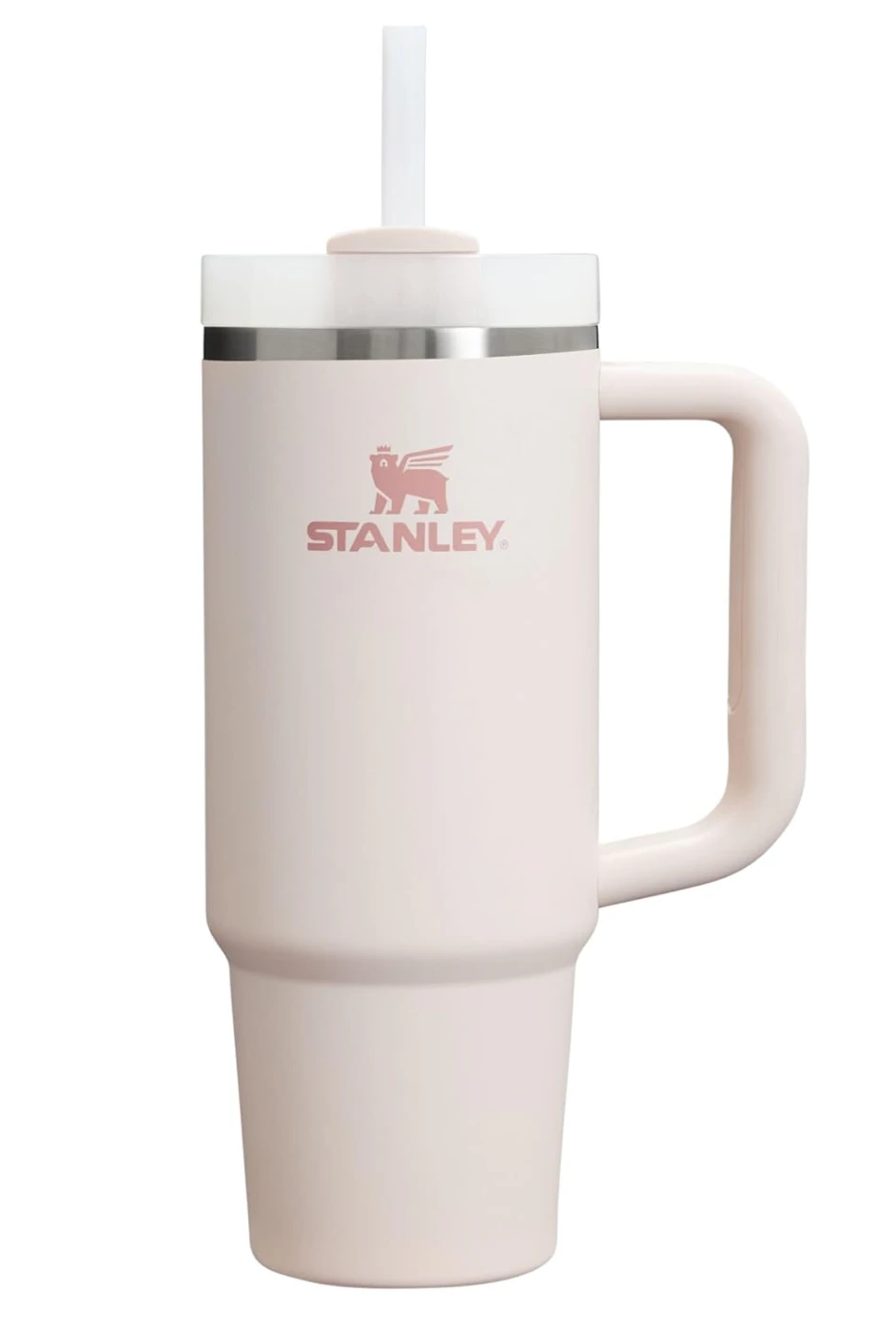

This existing source and lifestyle example illustrates a deliverable to review. It does not establish an average acceptance rate, production time, or savings figure. Enter your own batch results in the calculator below.
See the original CREATR showcaseCompare the cost of approved deliverables, rather than the number of generations a plan advertises.
Calculate your cost per approved image
Use your own batch figures. Nothing is uploaded or saved by this calculator.
Enter your batch spend and approved image count. Use one currency for all cost amounts.
Which costs belong in the comparison?
- The spend assigned to this batch
- Include credits, a fair share of the subscription, and any paid retouching or assets. Avoid charging the full monthly plan to every batch. If a tool uses different credits for different outputs, check the actual deduction for the task.
- The work around generation
- Count preparation, prompting, reruns, editing, and approval time. Use an hourly value appropriate to the person doing the work. Time spent rejecting an inaccurate image is still part of producing the accepted set.
- What approved means
- Define acceptance before comparing tools: correct product, readable branding, useful scene, suitable crop, and adequate export quality. Use the same standard for every workflow so a cheap but unusable output does not appear to be a saving.
- The deliverable you are buying
- A clean listing image, a campaign composition, and a video have different production needs. Compare like with like. Keep source-photography costs visible when a new product needs its first accurate photographs.

Define acceptance before counting outputs.
Use visible product details to set the review standard. This example gives the reviewer a label, cap, silhouette, and color to compare. Count the image as approved only when it meets your brief; the example supplies no acceptance-rate or savings data.
Inspect full-size exampleMeasure one representative batch
Set the brief and acceptance rules
Choose representative products and the output types you need. Write down what would make an image acceptable. Use the same sources and intended placements when comparing another workflow.
Track spend and time
Record actual credit use, editing charges, and hours spent on the batch. Count reruns and rejected results. Use current plan information instead of assuming that one credit or one generation equals one finished image.
Calculate and compare
Count only approved deliverables. Use the calculator to divide total cost by that count, then compare quality and repeatability alongside the number. Repeat with a harder product before scaling up.

Include a harder product in the pilot.
Fine stones and reflective surfaces give the reviewer different checks from printed packaging. Track the time and corrections your own jewelry or other detailed products require. Keep those costs in the batch total instead of assuming one example predicts every product.
Inspect full-size exampleWhat does a low unit cost leave out?
A lower production cost does not establish better sales, fewer returns, or a stronger campaign. Measure those outcomes separately and avoid attributing changes to imagery without appropriate evidence.
Introductory allowances, unused credits, subscriptions, and editing costs can change the result. Check the current plan and the terms that apply to your account before purchasing.
The calculator estimates a batch cost from your inputs. It does not quote CREATR pricing or predict the quality and acceptance rate of future generations. Include taxes or other costs in your spend figure if they matter to the comparison.
Your review checklist
Use this on your own result. You make the assessment.
0 of 5 checks marked complete.
Questions before you choose
Is the cheapest generation always the cheapest image?
No. If it takes more reruns or corrections to get an acceptable result, a low generation price can produce a higher cost per approved image. Include time and rejected work in the calculation.
What if none of the batch is usable?
There is no finite cost per approved image when the approved count is zero. Record the batch as unsuccessful and review the source, brief, tool fit, and acceptance criteria before spending more.
Where can I check current CREATR prices?
Use the current pricing page and the credit requirement shown by the tool before generating. The calculator uses your own figures and does not substitute for plan terms or a billing quote.
Sources and product context
CREATR publishes this guide and offers the photo tools discussed here. The example is from our existing showcase; no cross-tool benchmark or conversion improvement is claimed. Product documentation checked October 29, 2026.
- Shopify: product media
Review how images, videos, and 3D media will appear on the product page. Check the requirements of your actual store and theme.
Try the workflow with your product.
Keep your approved source beside the result. Choose the assets that meet your brief, and review the details before publishing.