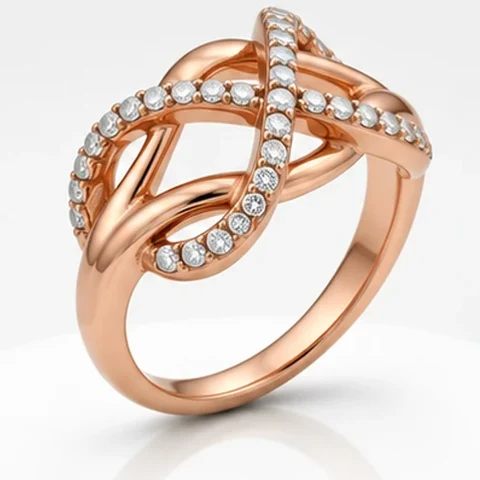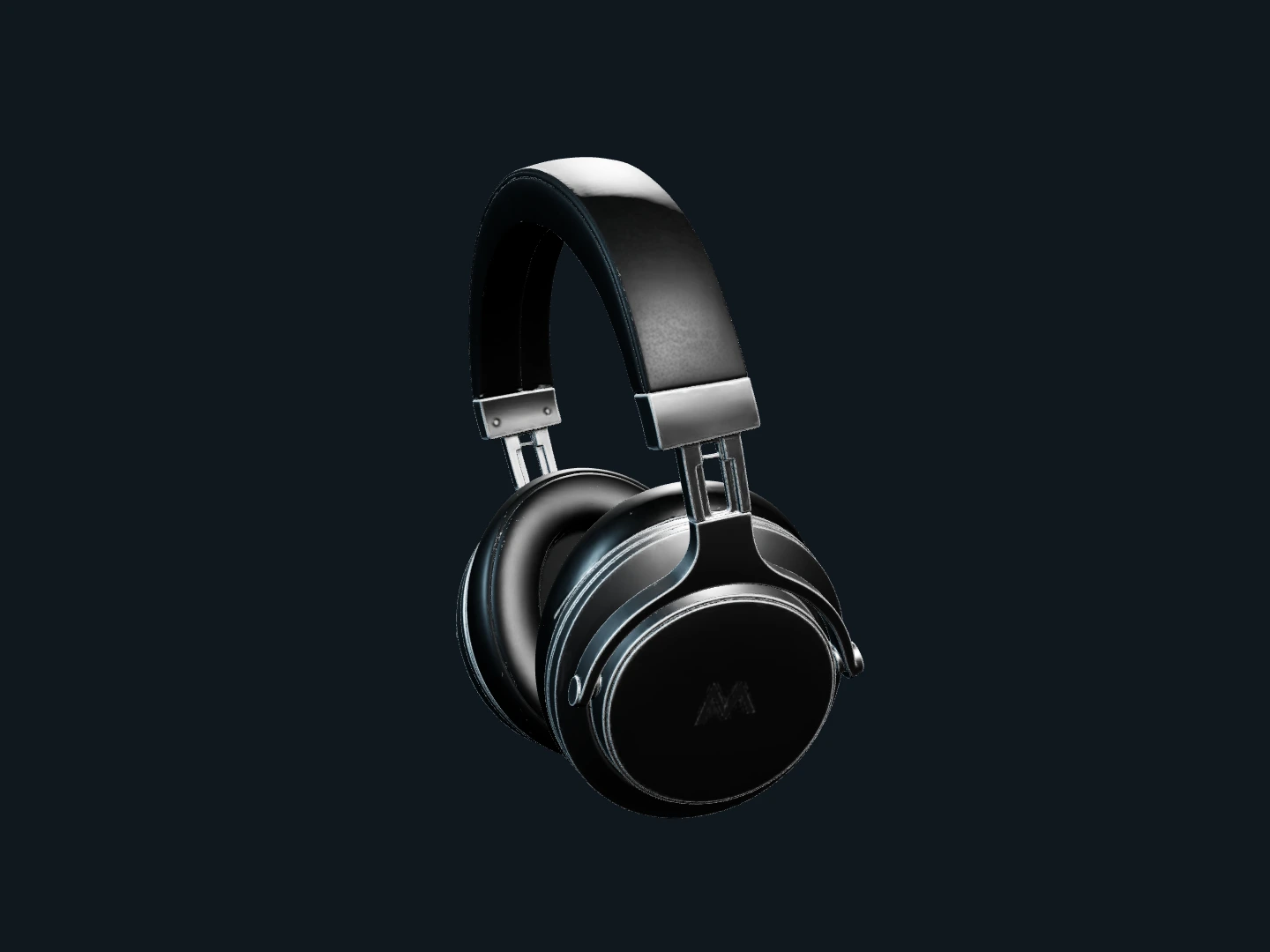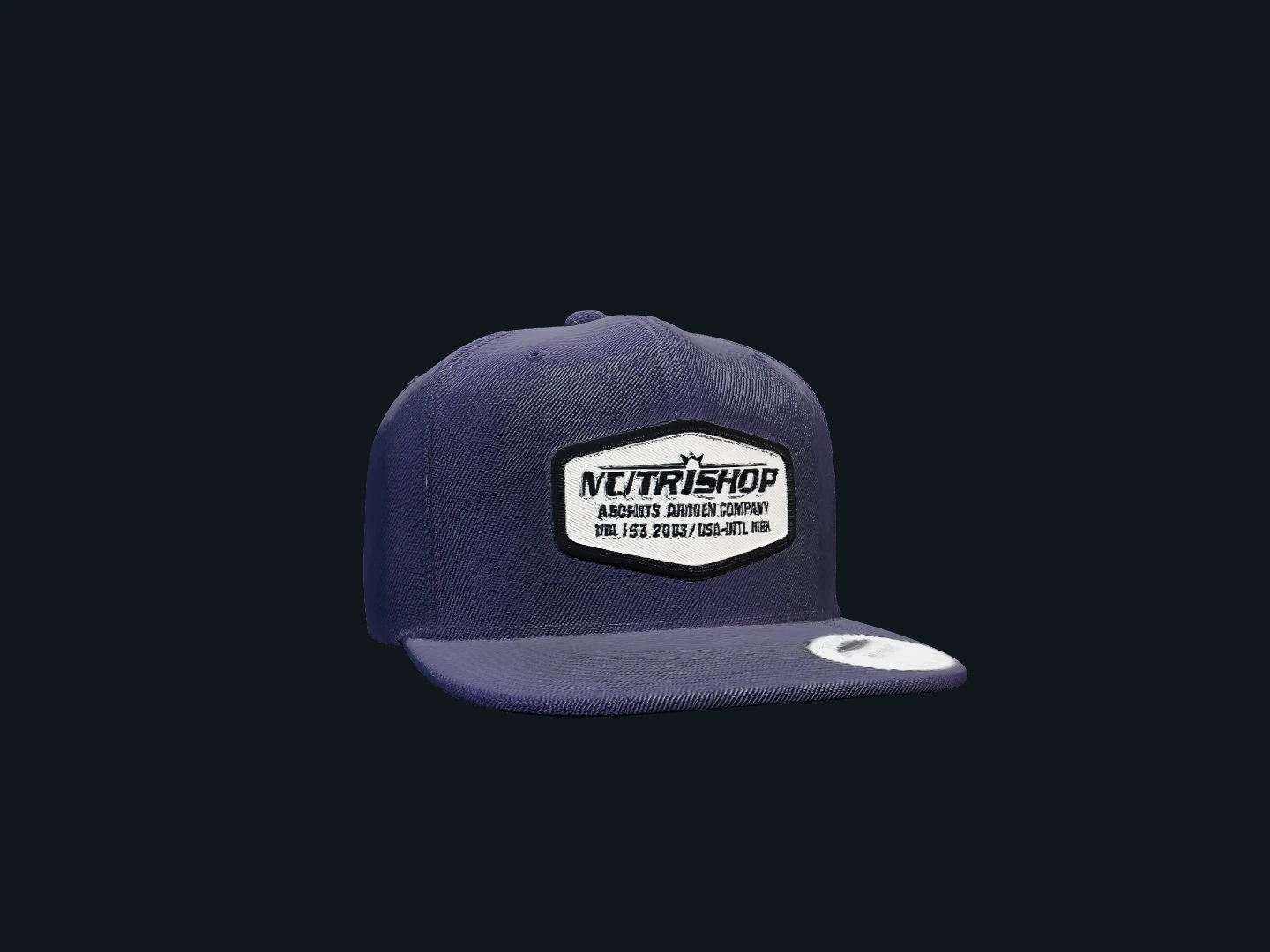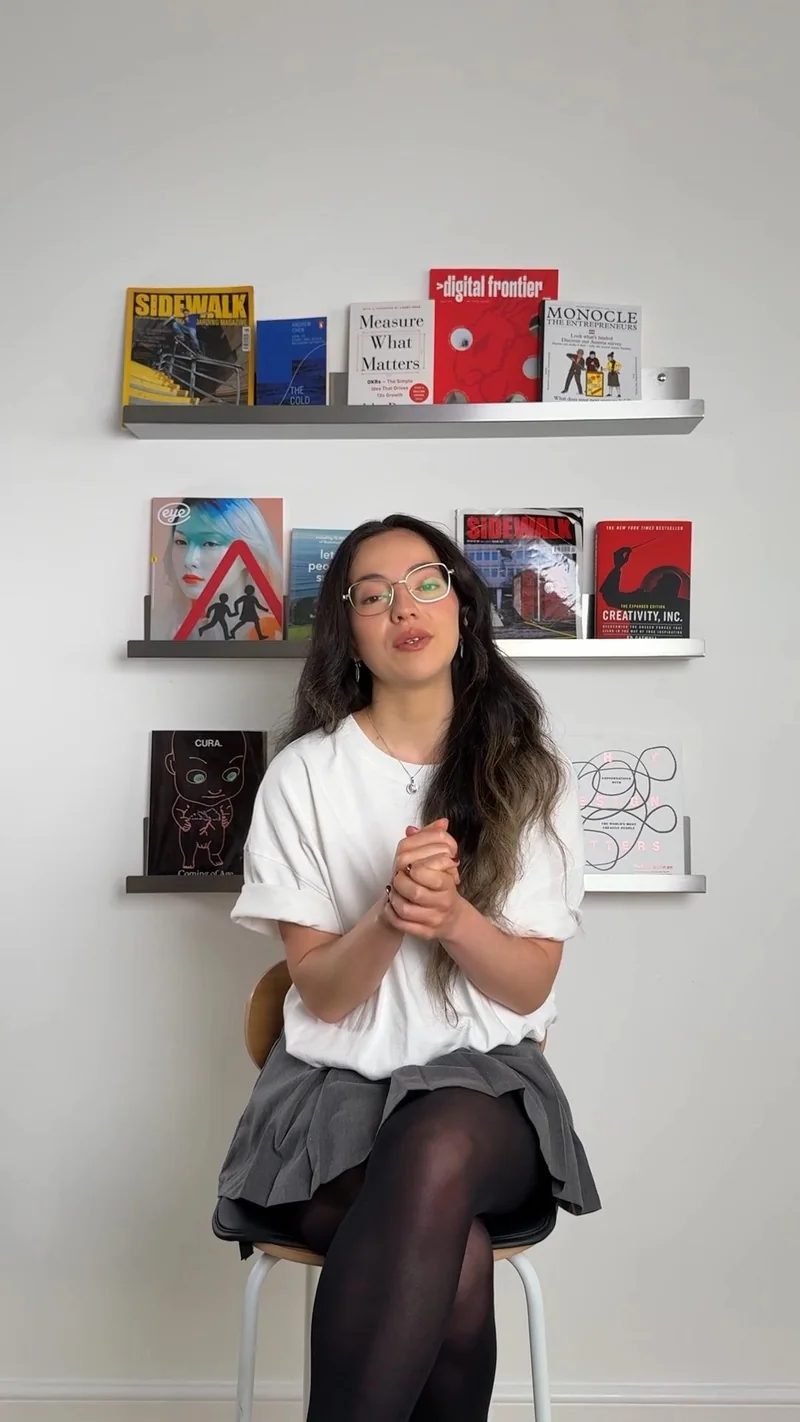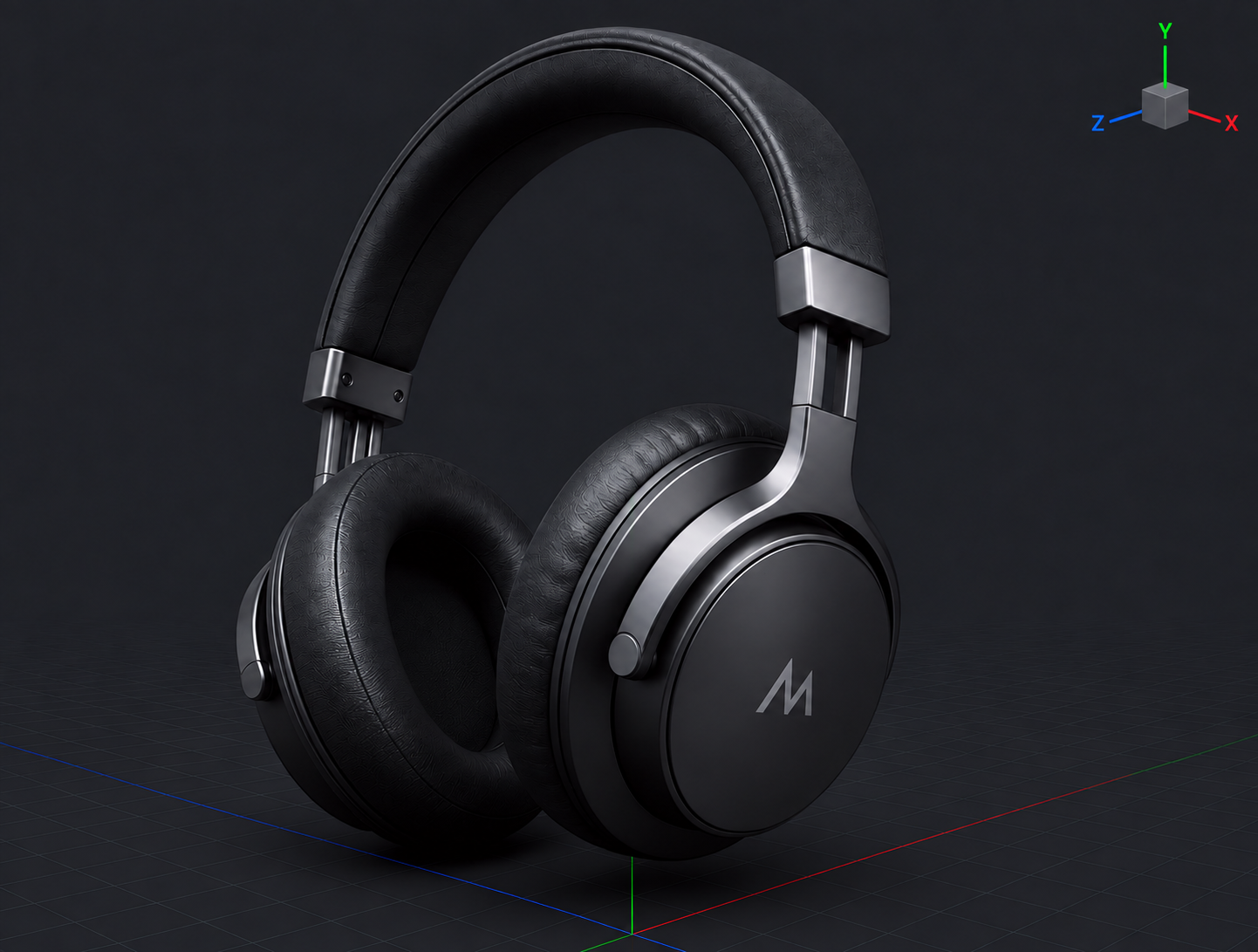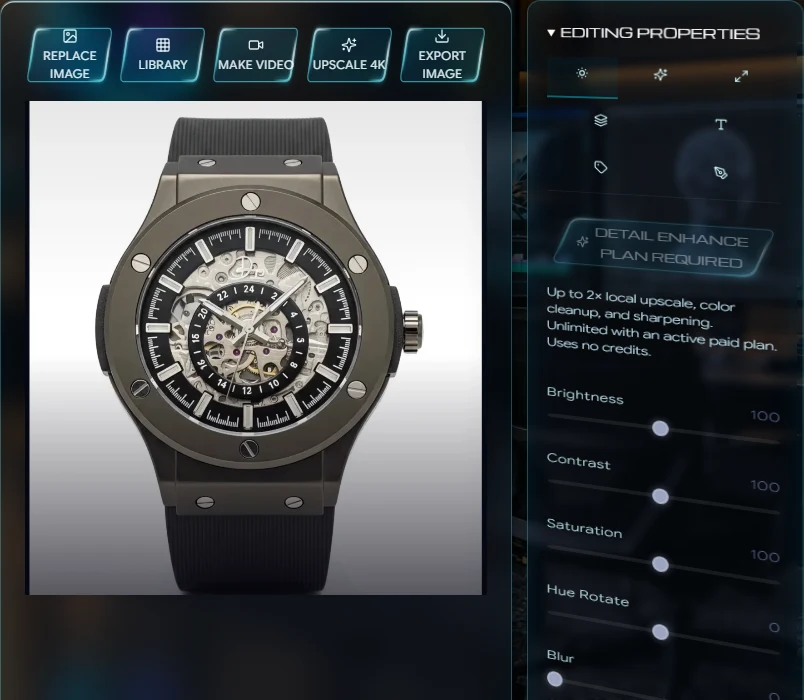
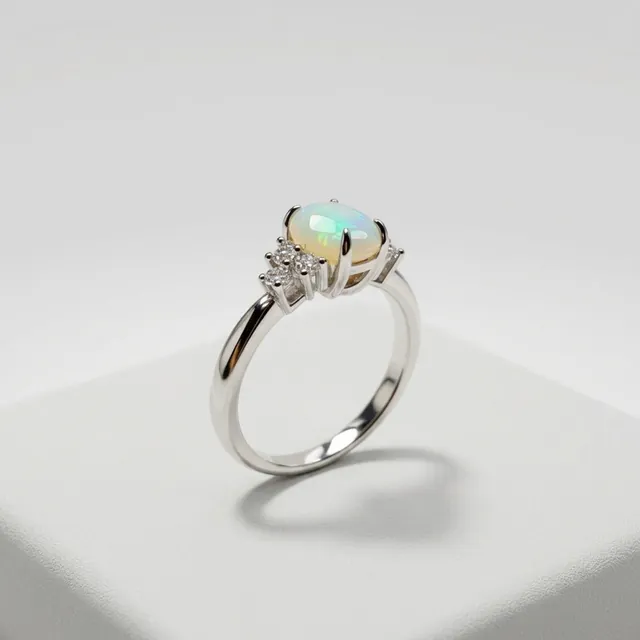
Creator Demo
ONE PRODUCT. EVERY ASSET.
Turn one approved product photo into studio imagery, campaign video, virtual models, and ads built for every channel.
No signup needed to start.
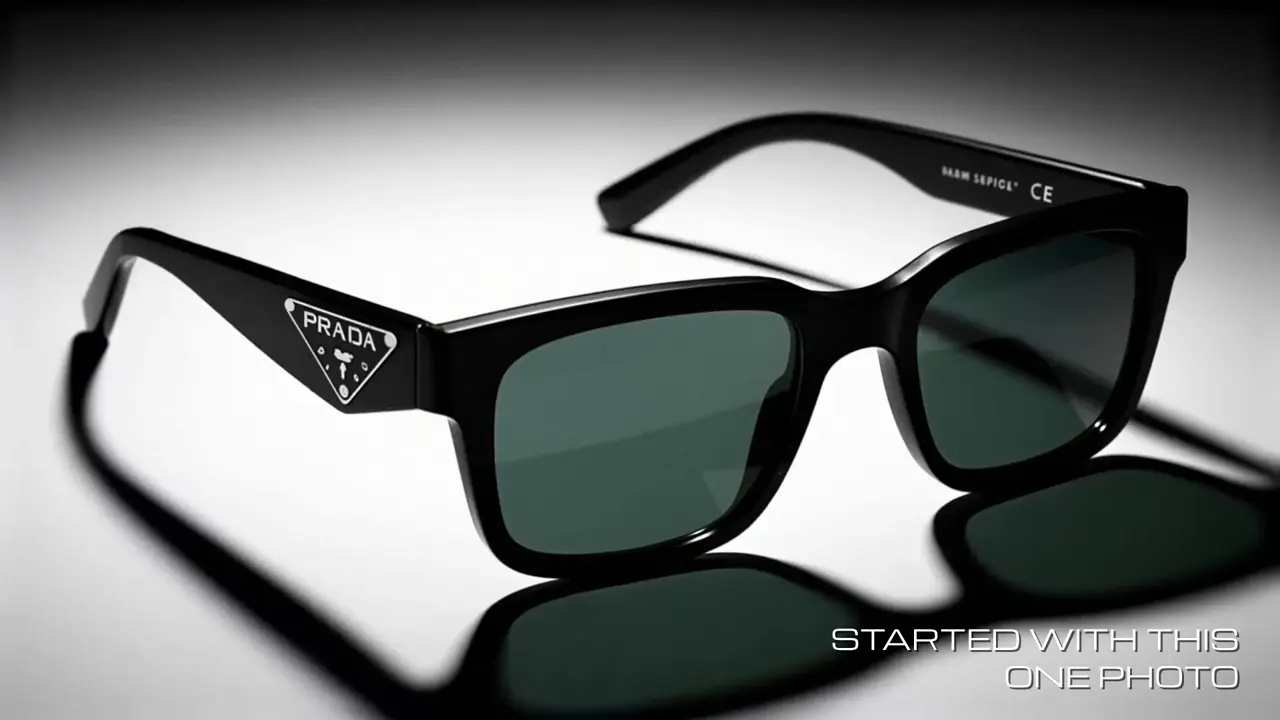
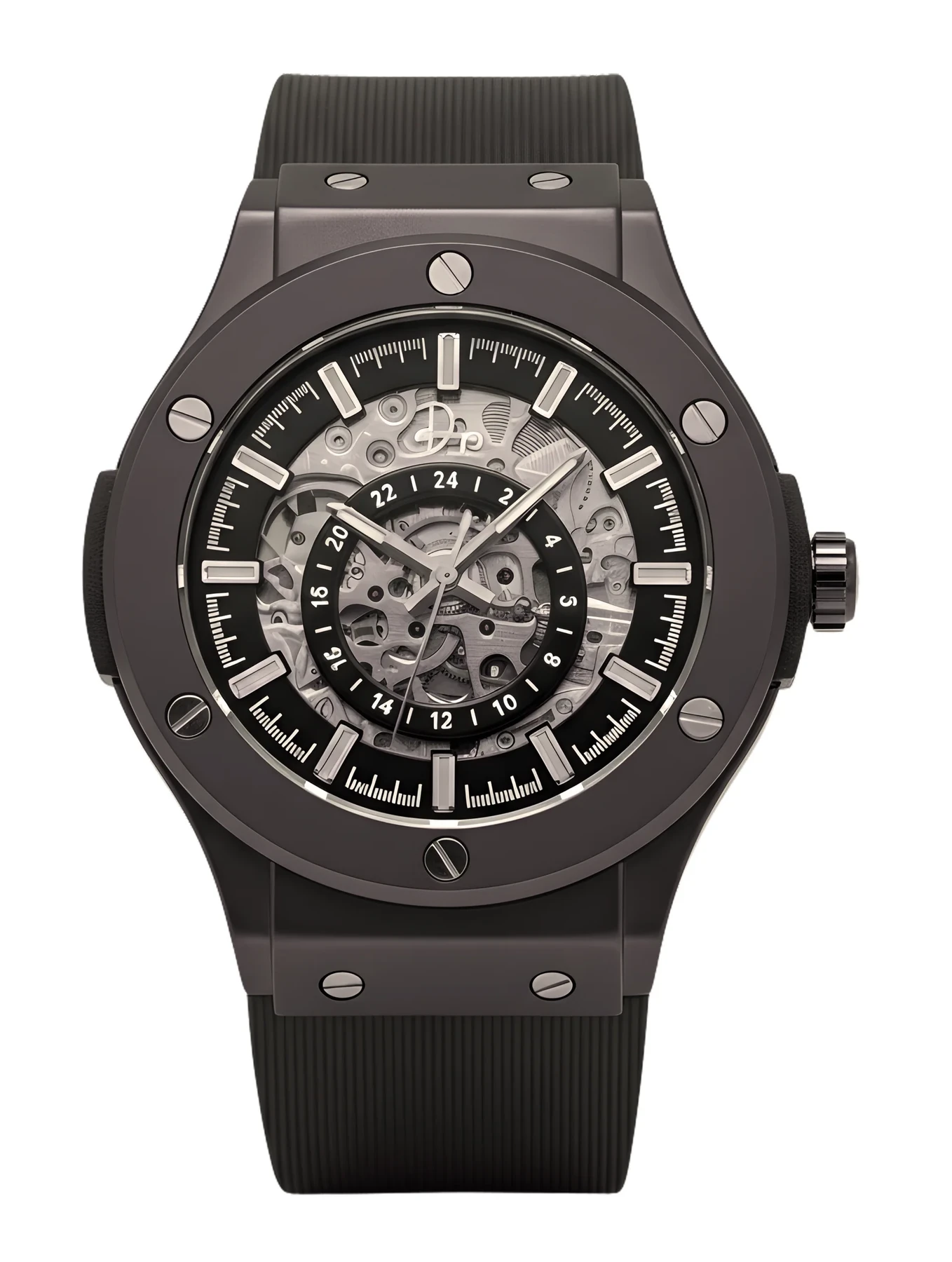
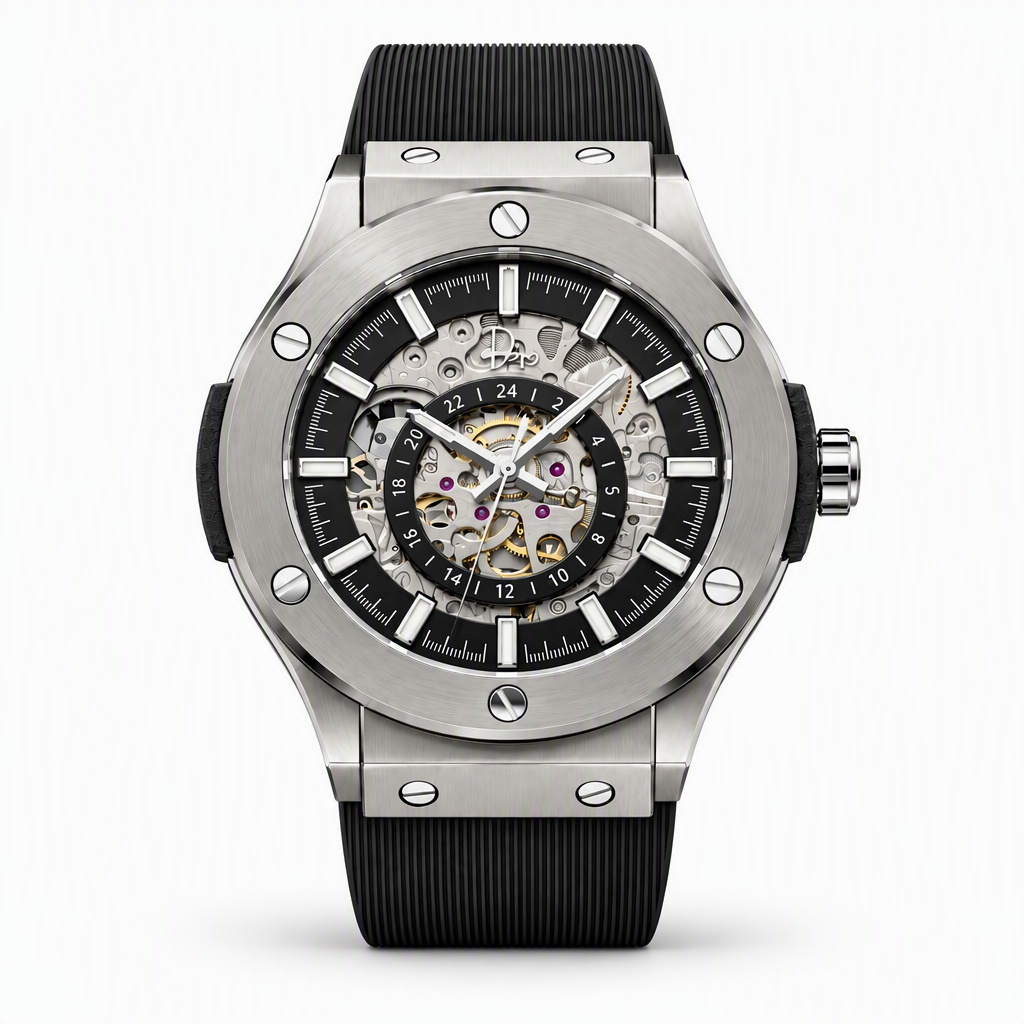
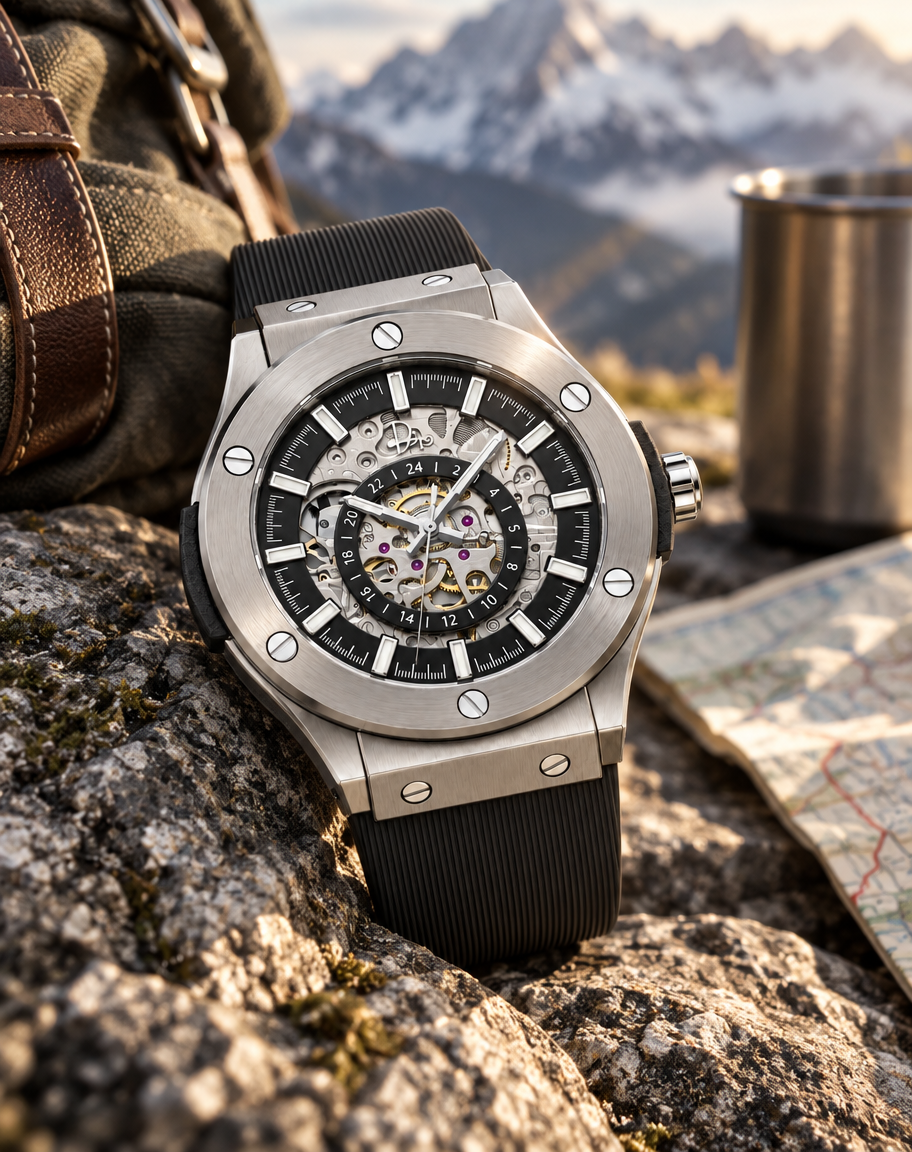
The original stays in view as photography, ads and film come together.
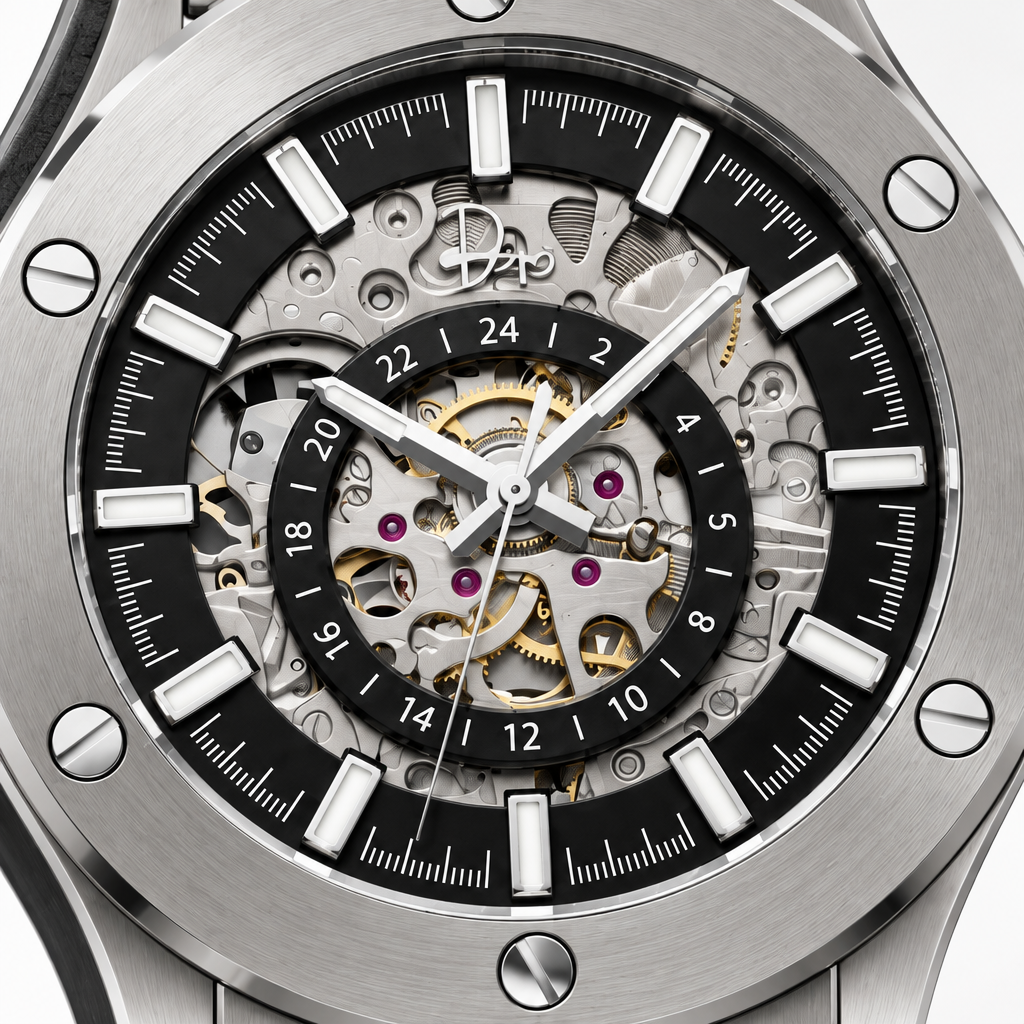
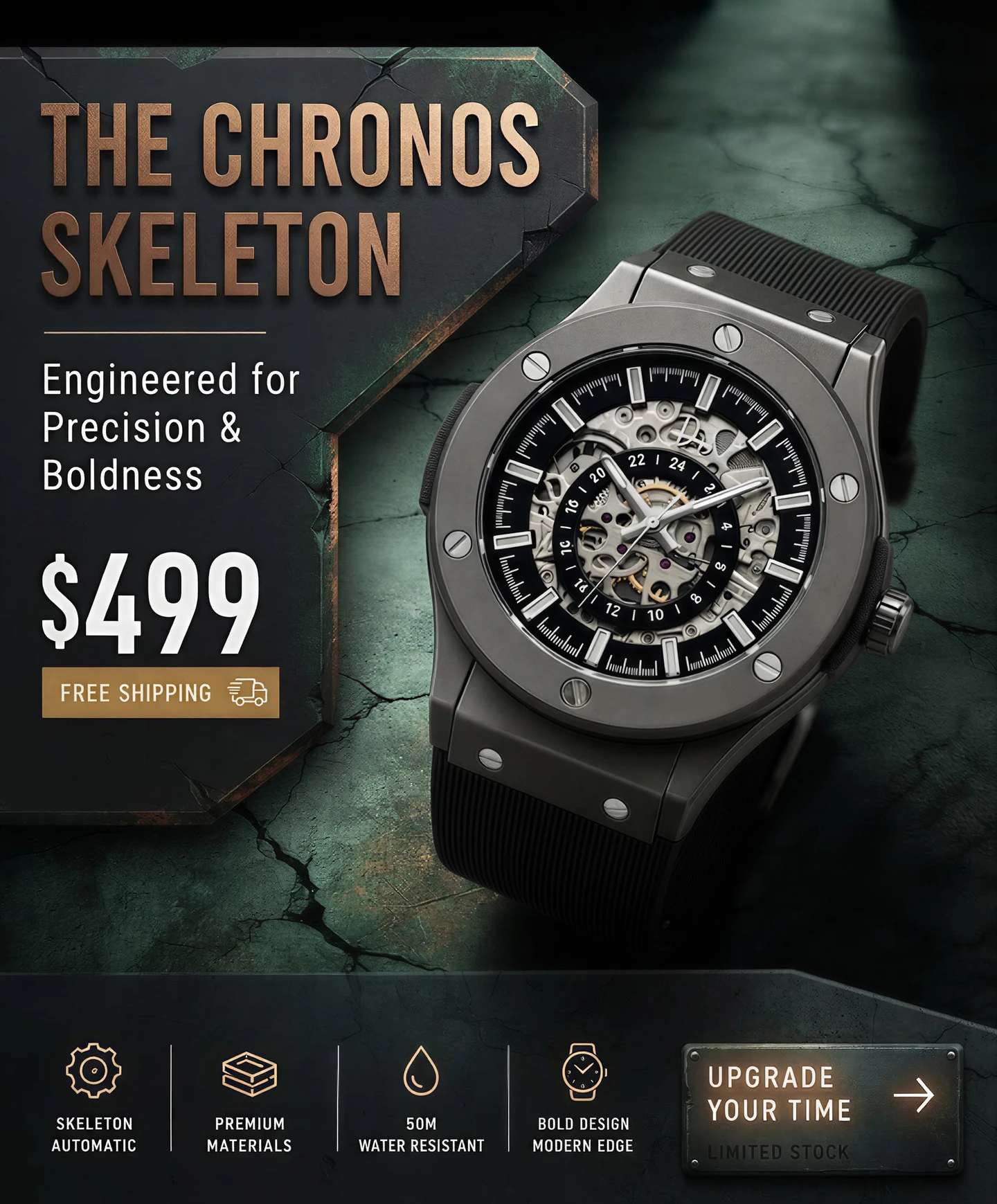

Campaign System
Start with the approved product image, then build the images, films and product experiences around it.
Creator Demo
360 Spin
Billboard NYC
ASMR Product Film
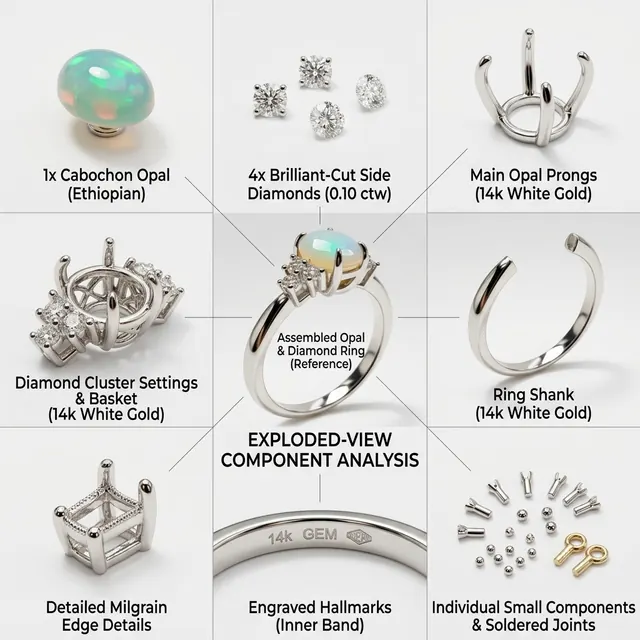
Exploded View
Splash Film
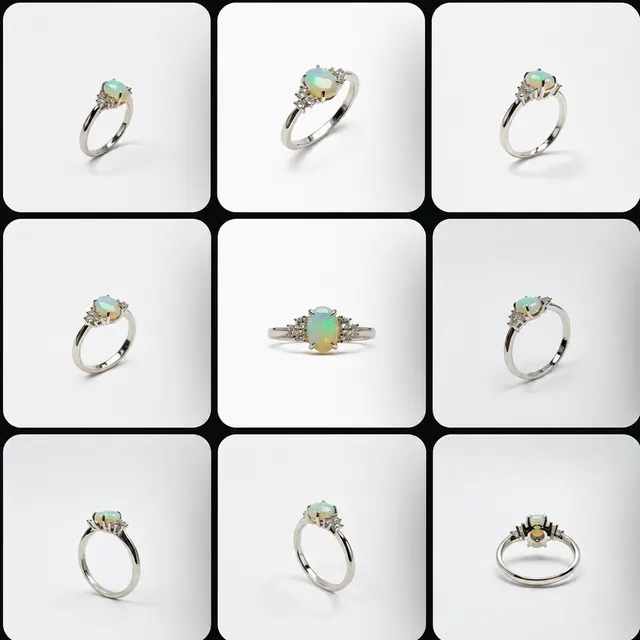
9x Product Views
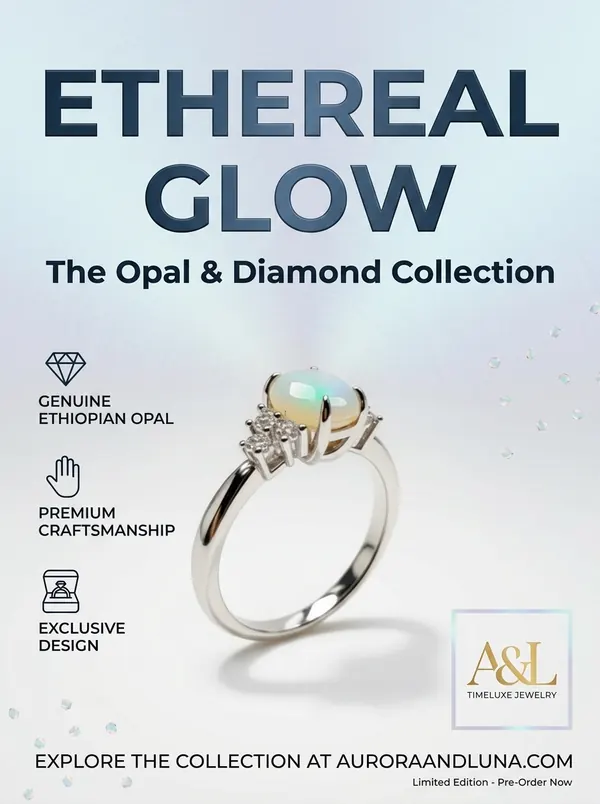
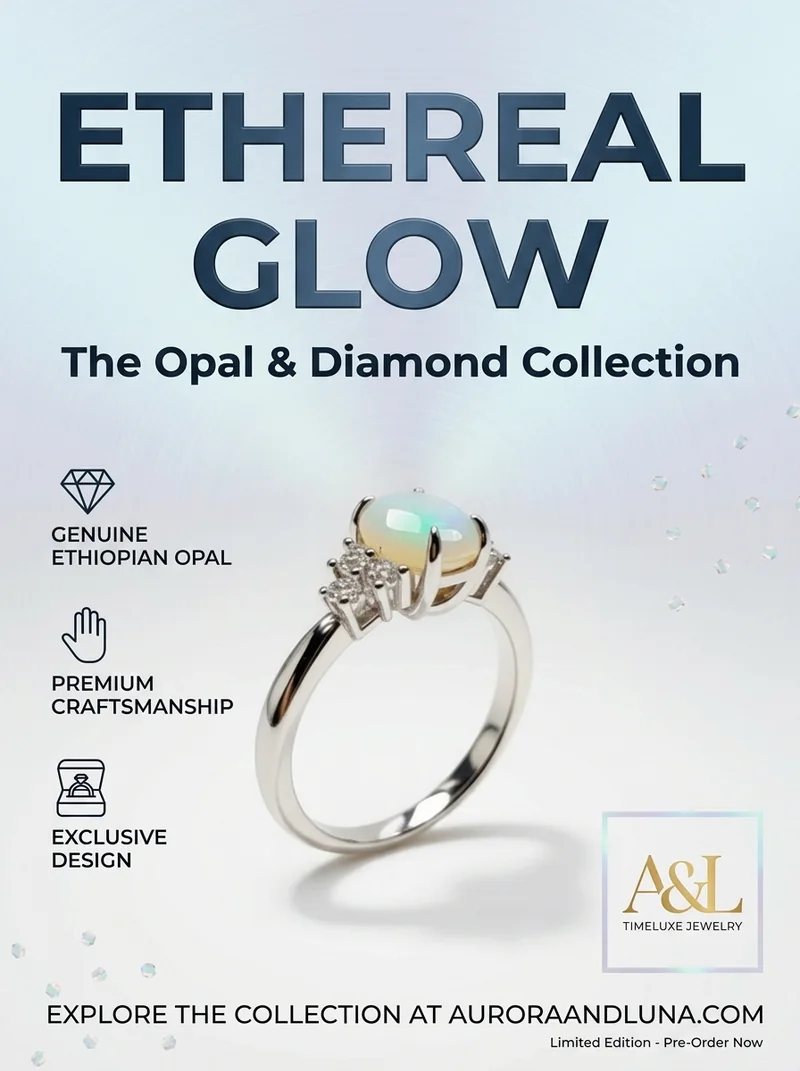
Collection Poster
Turn a product image into studio and lifestyle photos.
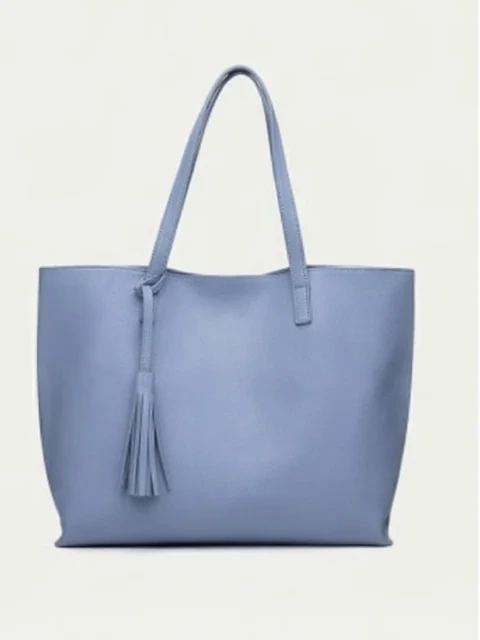

Build a coordinated set of product shots for your store.
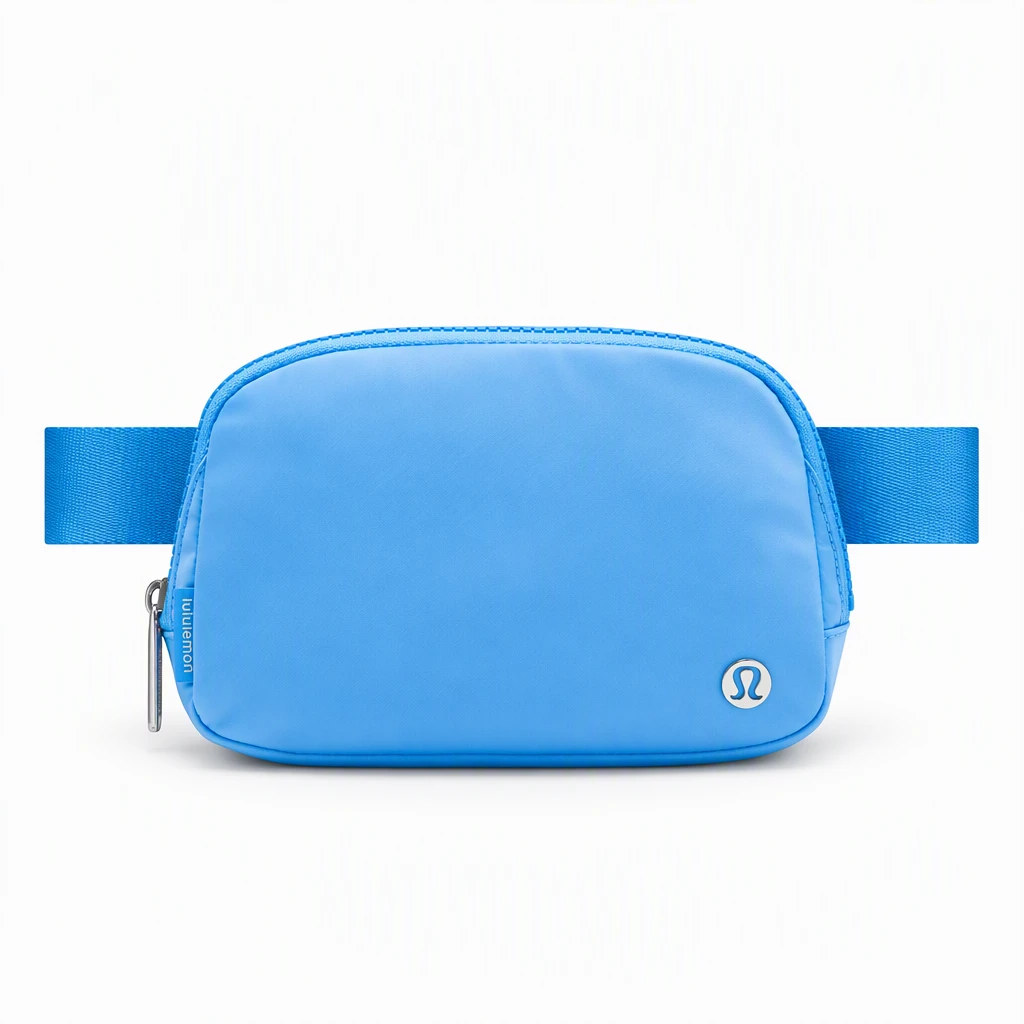
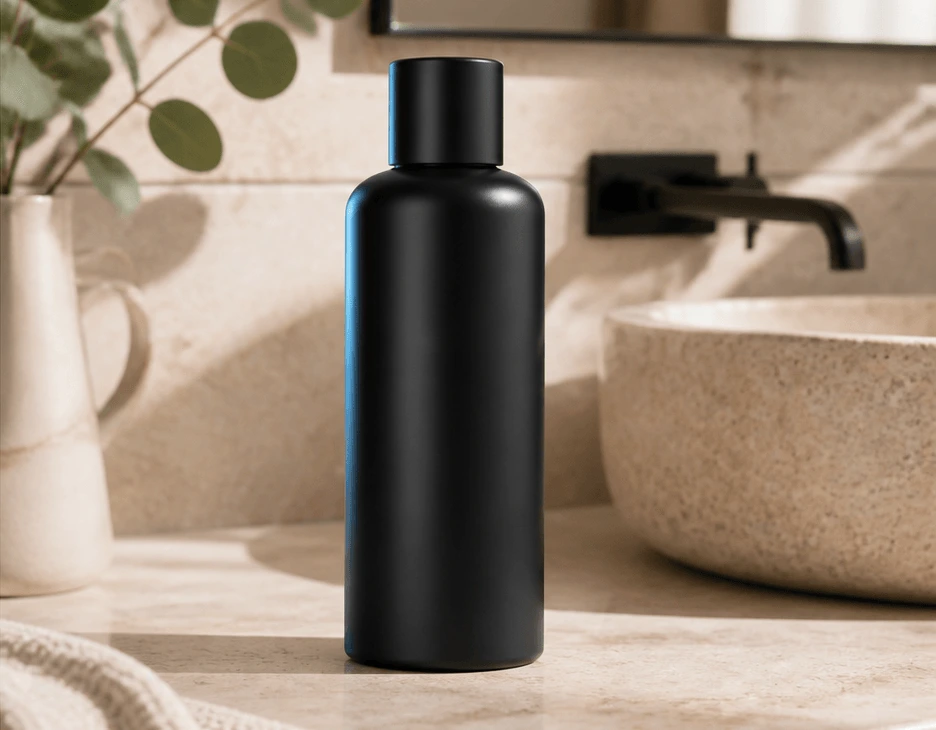
Place your product in a new scene with a background you choose.
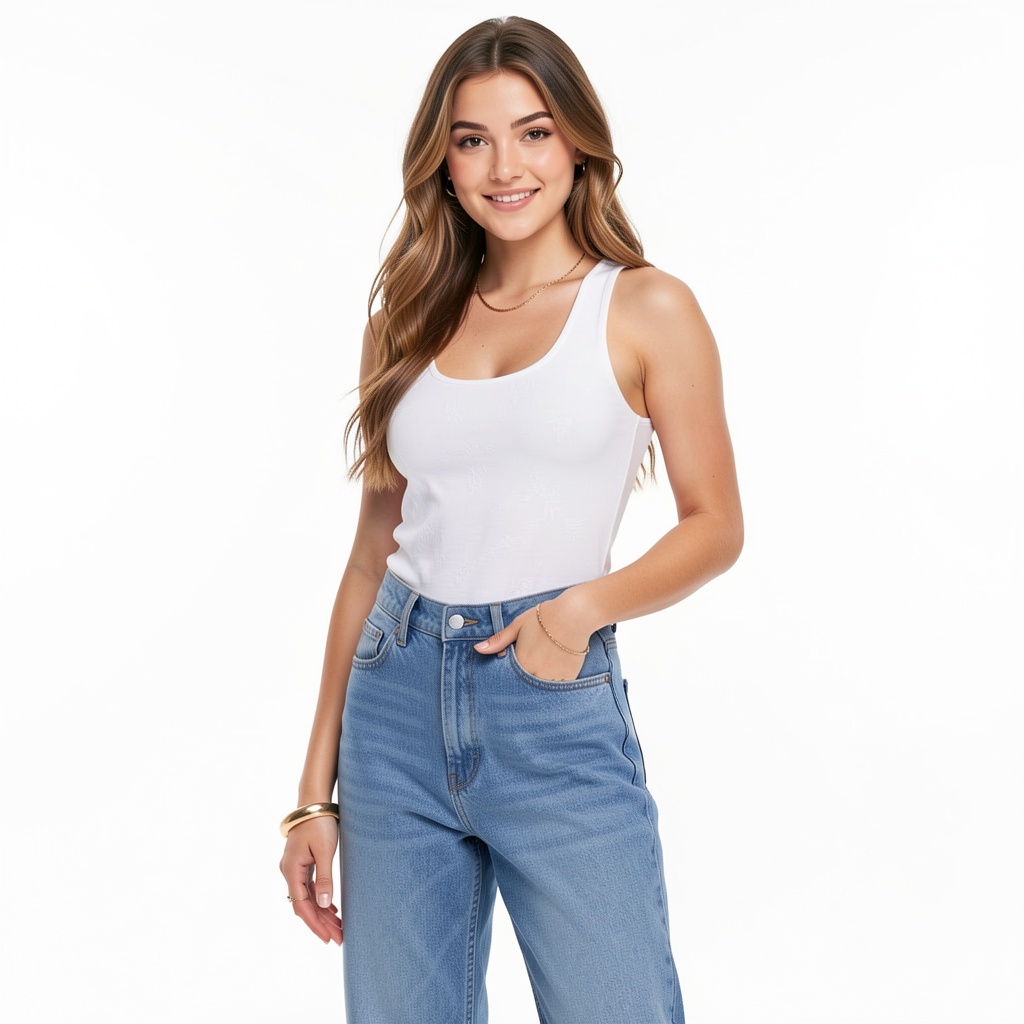
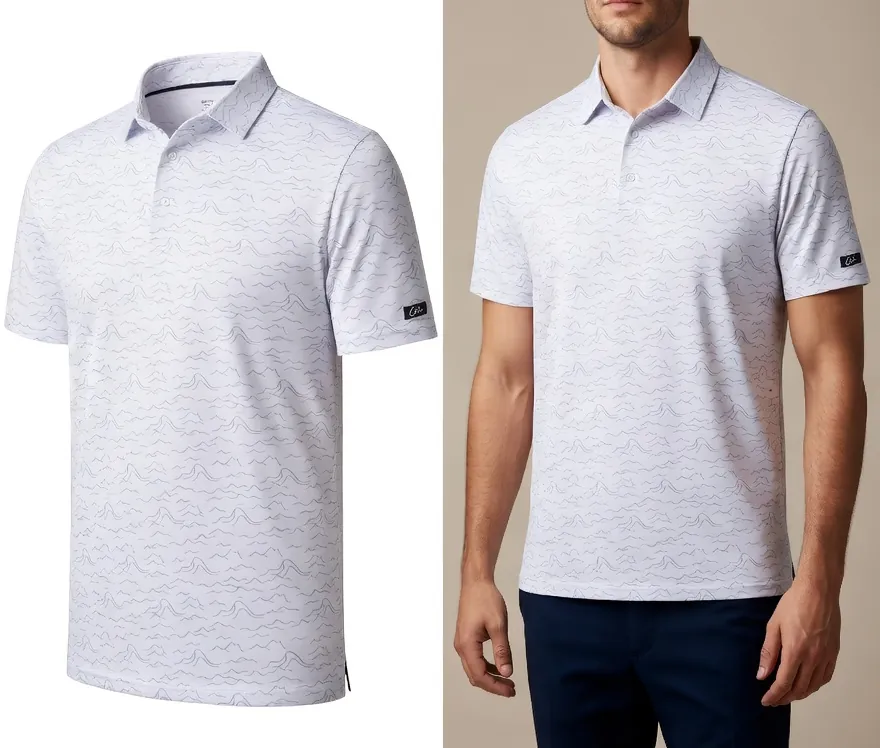
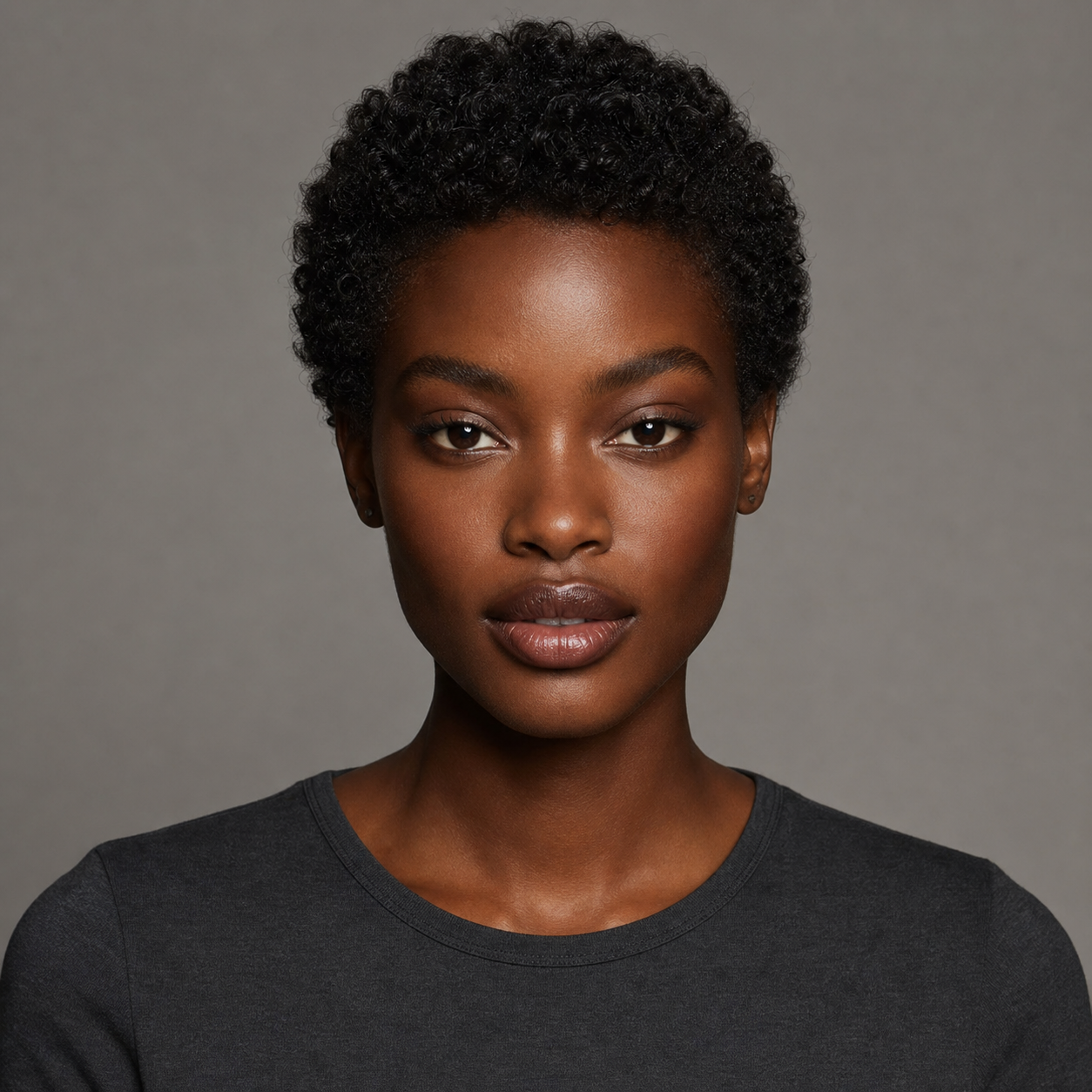
See apparel on a virtual model in a setting you select.
Create a nine-image collection of product views.
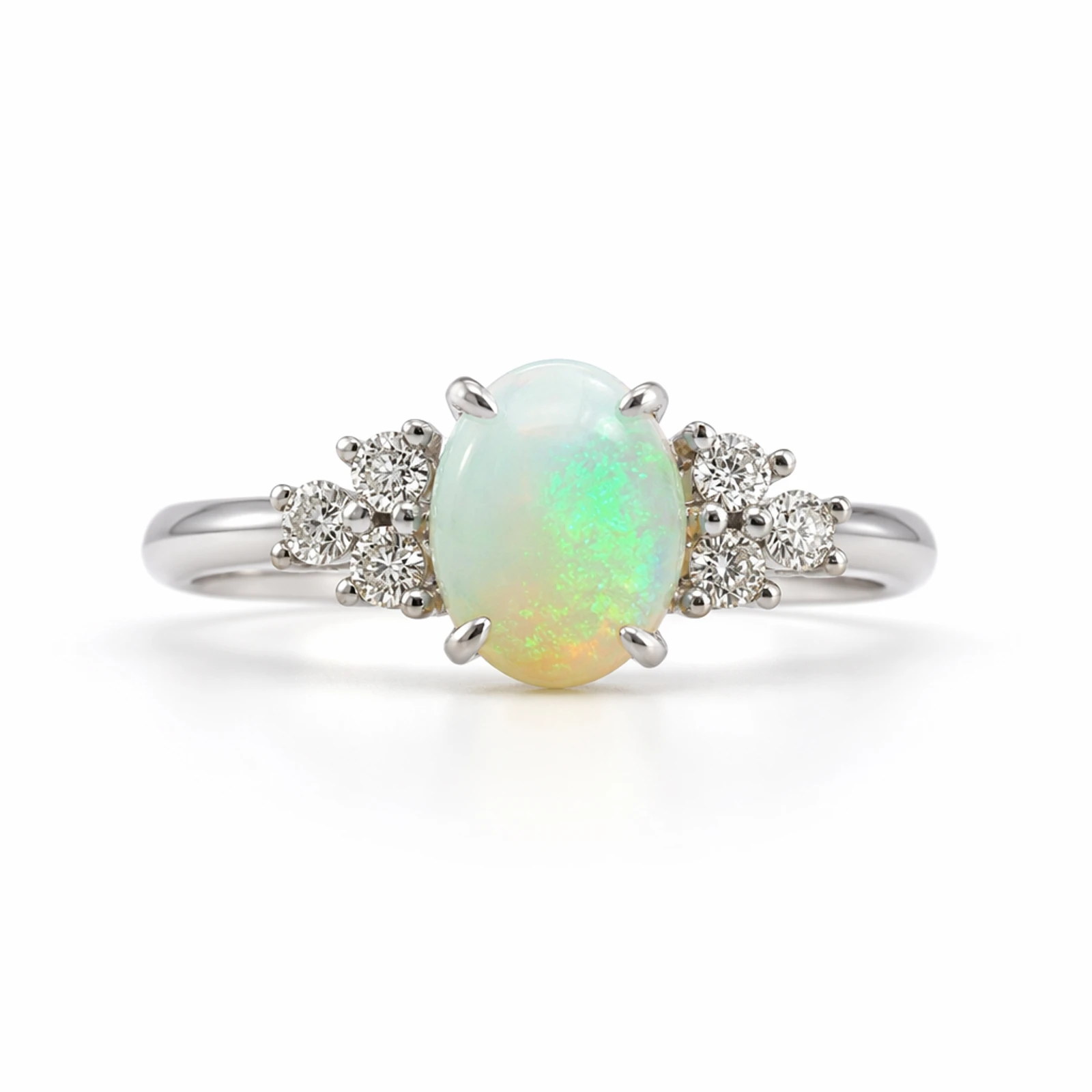
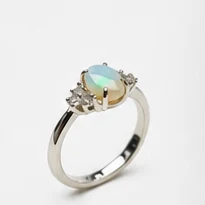
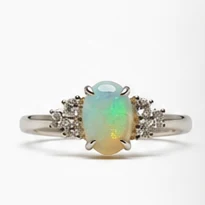
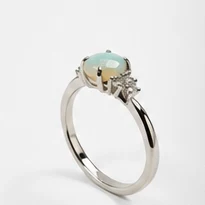
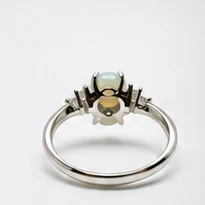
Bring a product image to life with motion and a chosen video style.
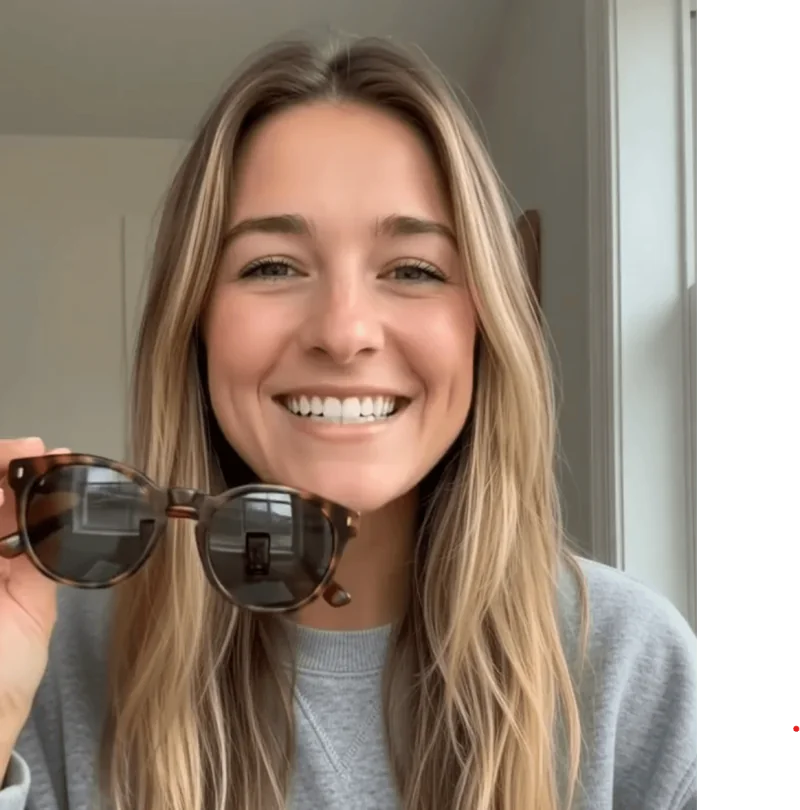
Pair a virtual presenter with your product and script.
Create image and video ads for your chosen channel.
Turn a product photo into an interactive 3D model.
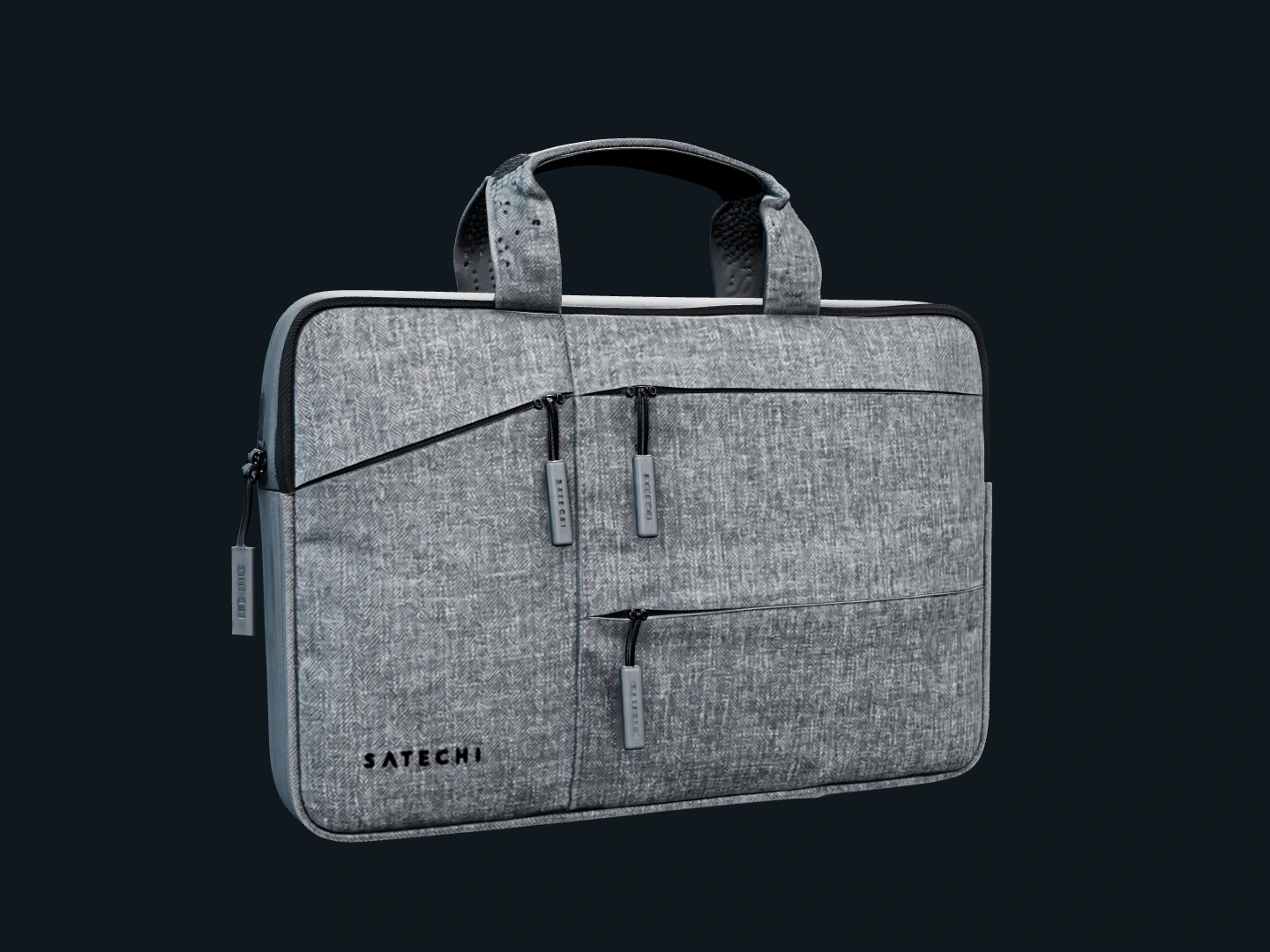
Explore Signature Film, Studio 360, and Creator Cut.
Adjust the crop, light, color, and detail of your product images.
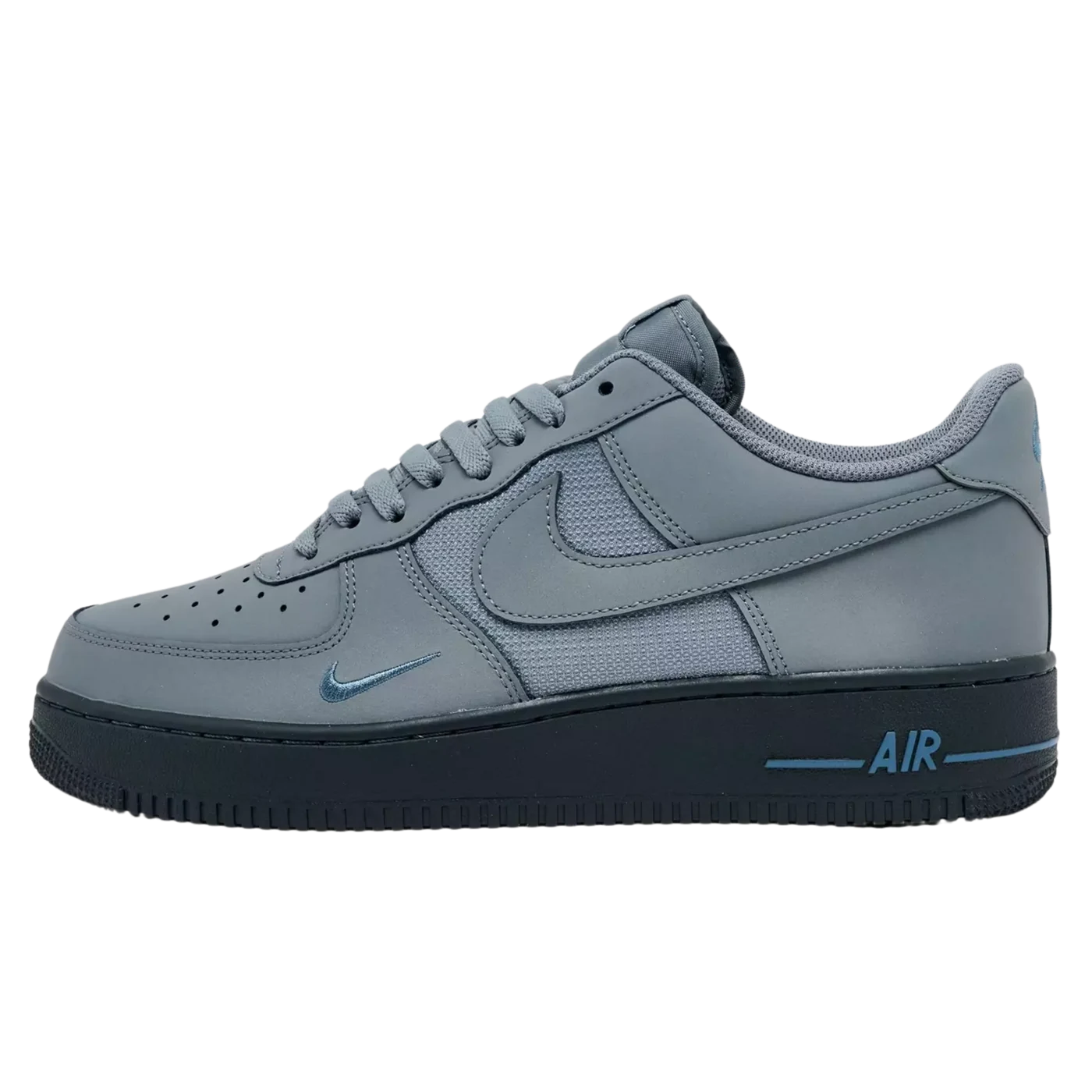
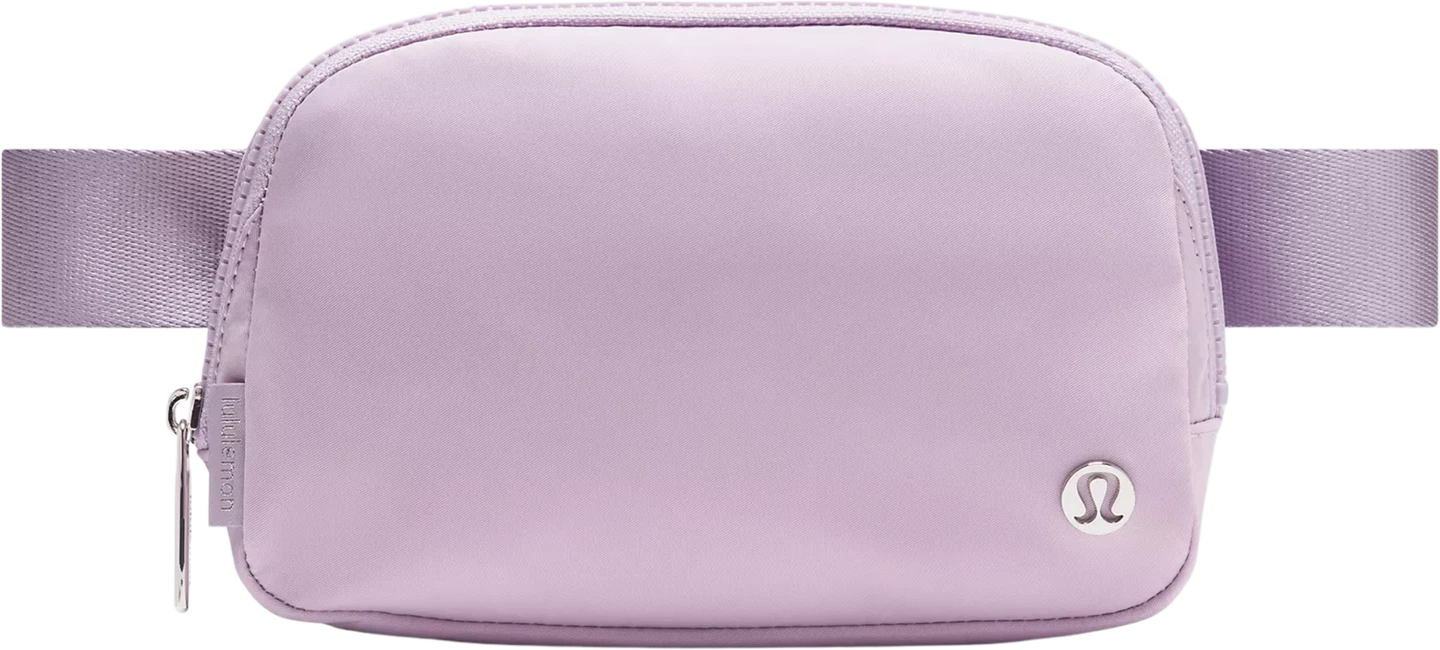
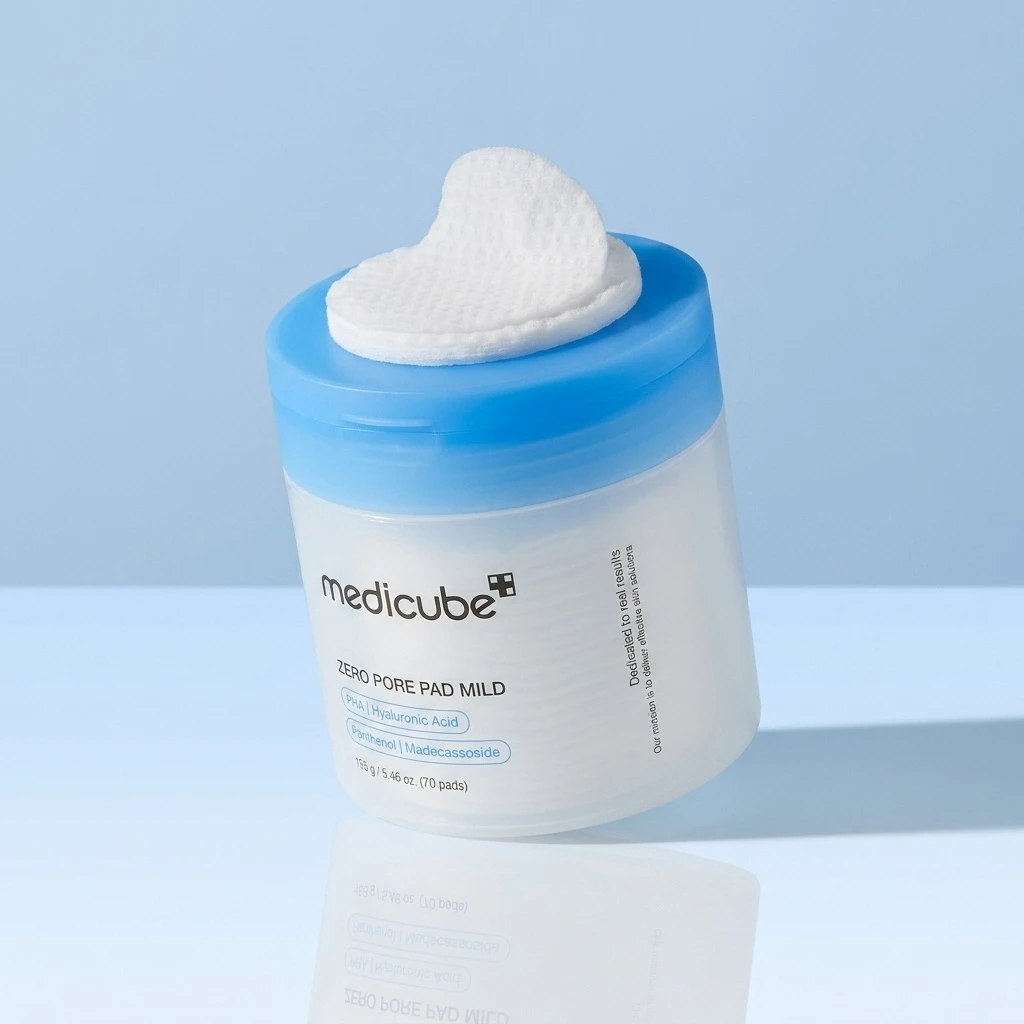
Draft product listings, posts, emails, and more from your brief.
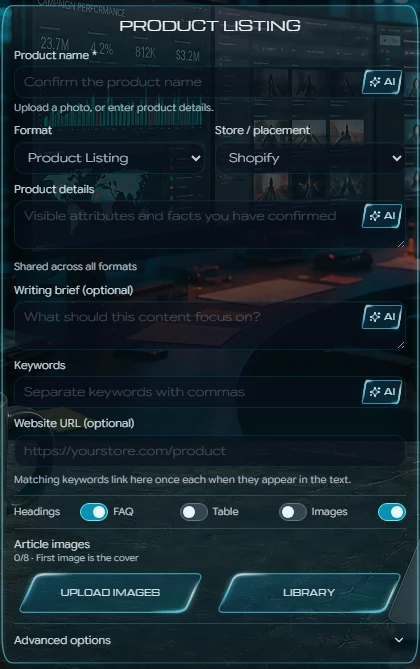
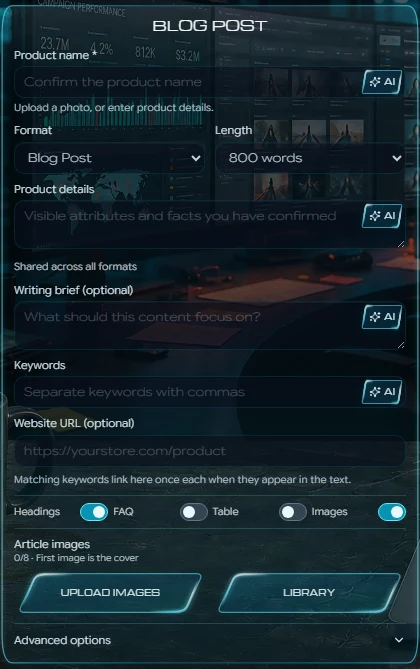


PLUS, EVERY MEMBER GETS UNLIMITED...
Included with every paid plan. Nine formats use no credits; product listings use credits.
Captions, hooks and platform variants
Included with every paid plan. No credits used.
Titles, benefits and buyer keywords
Uses credits per generation.
SEO briefs, structure and full drafts
Included with every paid plan. No credits used.
Headlines, benefits and conversion copy
Included with every paid plan. No credits used.

Subject lines, body copy and calls to action
Included with every paid plan. No credits used.
Platform hooks, angles and calls to action
Included with every paid plan. No credits used.
Hooks, scene beats and voiceovers
Included with every paid plan. No credits used.
Headlines, announcements and company details
Included with every paid plan. No credits used.
Search intent, structure and keywords
Included with every paid plan. No credits used.
Sharper copy without losing your meaning
Included with every paid plan. No credits used.
Real Results from Real Store Owners
"Cut our photoshoot costs by 90%. The AI understands fabric textures perfectly."

Sarah Chen
Fashion Store Owner
"3.5x conversion boost on product pages. The lifestyle shots look premium."

Marcus Johnson
Electronics Seller
"From photo to full marketing pack in 2 minutes. Game changer."

Emily Rodriguez
Home Decor Brand
"The material-aware lighting on metals is absolutely stunning."

James Park
Jewelry
Real output. Real brands.
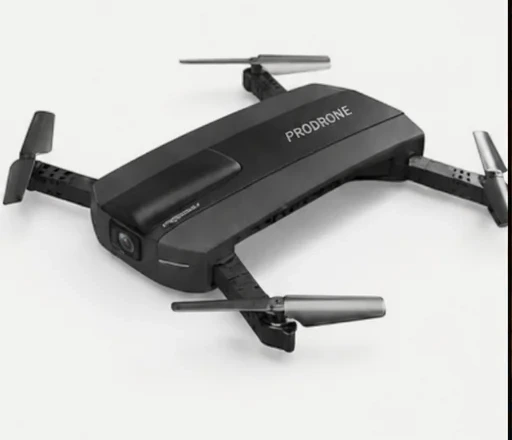
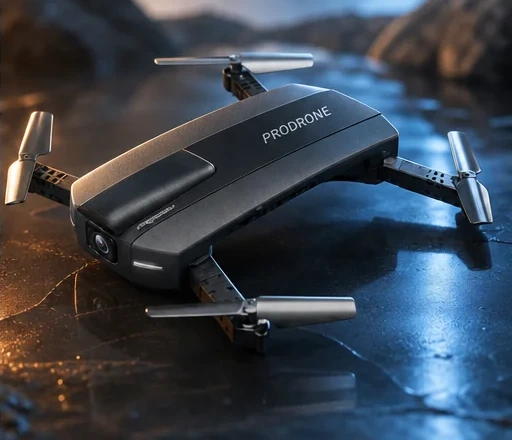
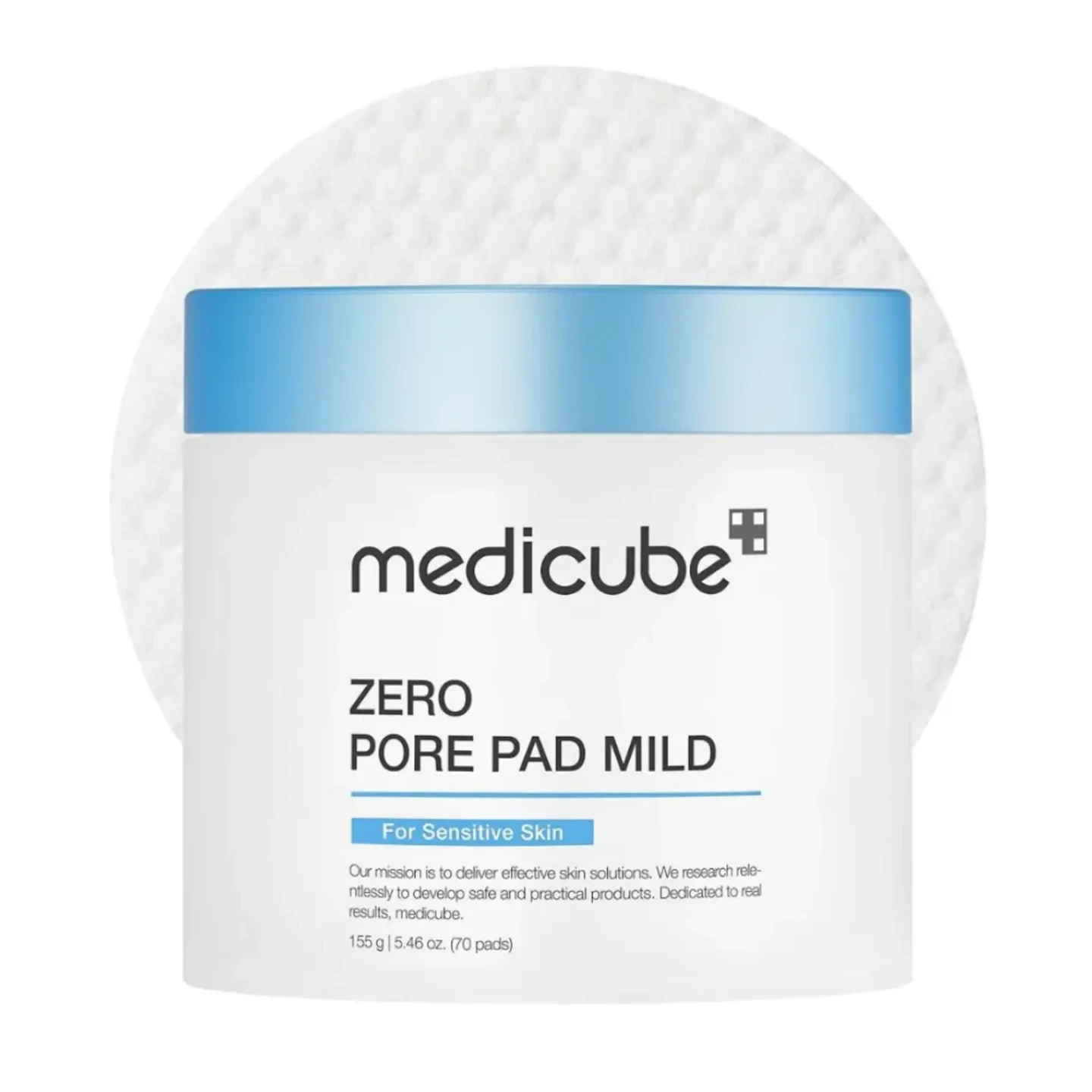
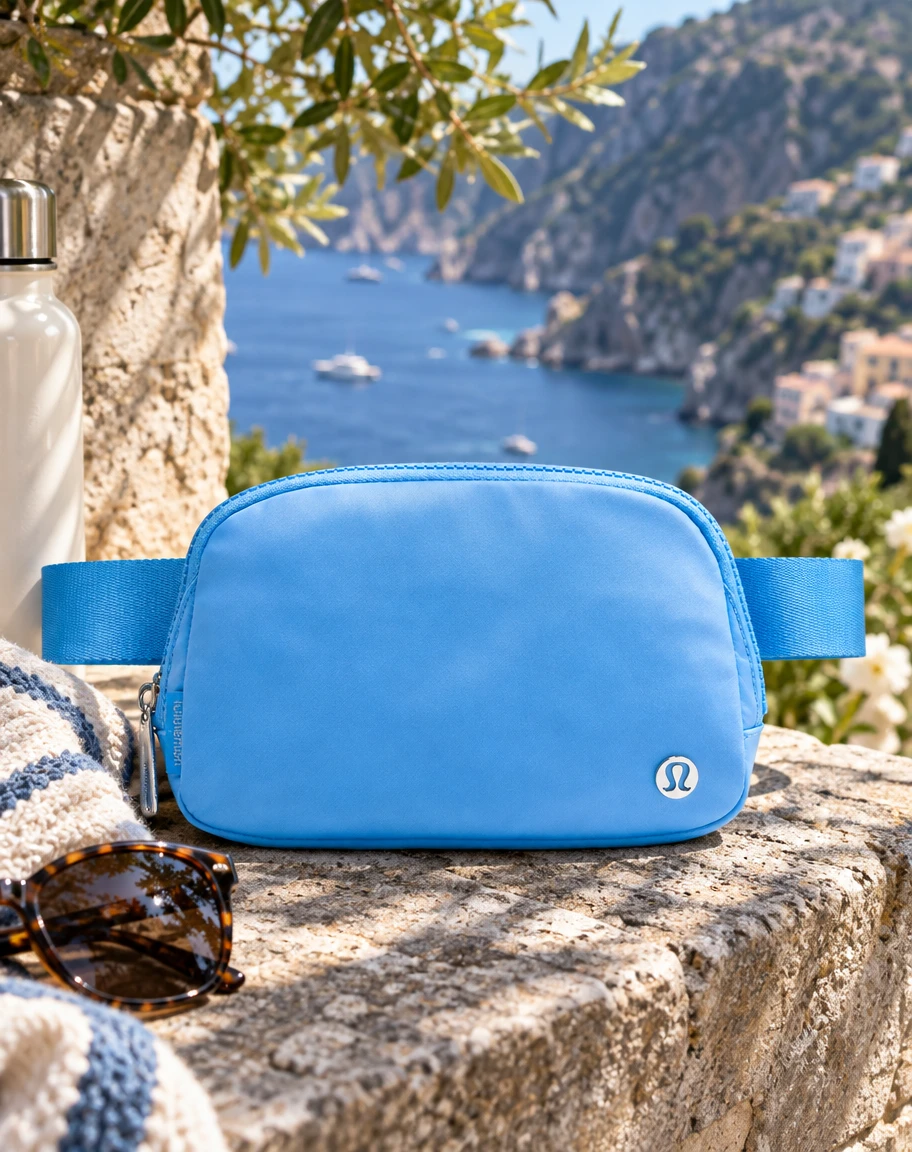
Every example starts with the original product image and ends with one finished asset.
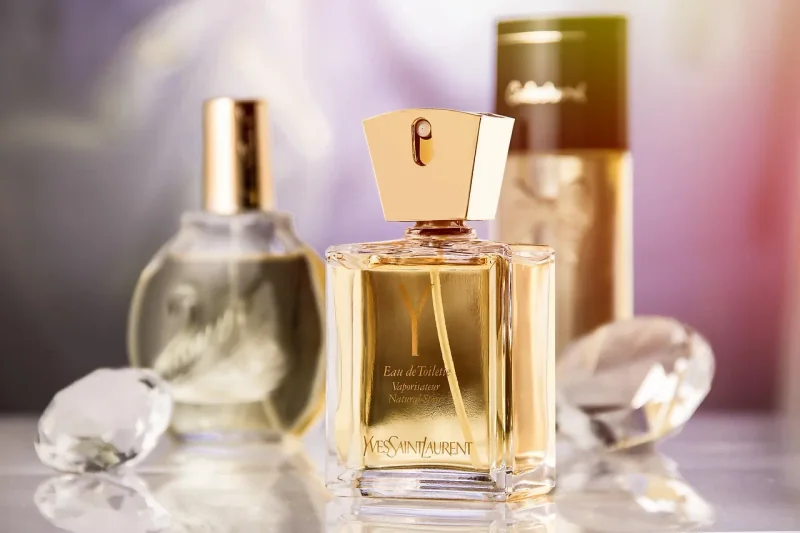
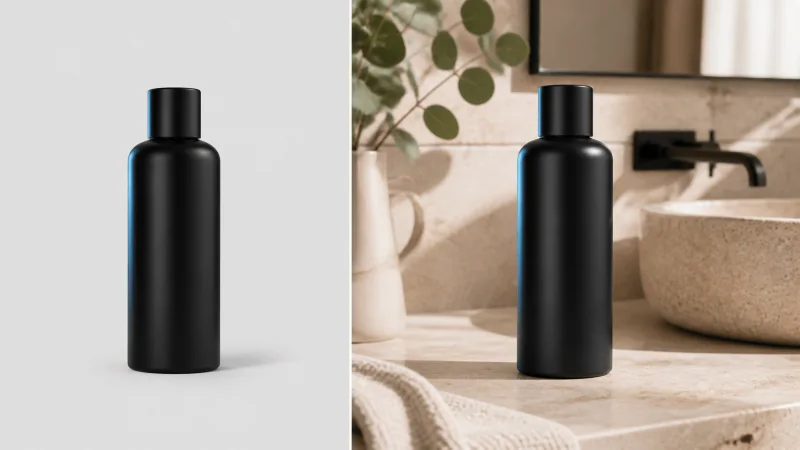
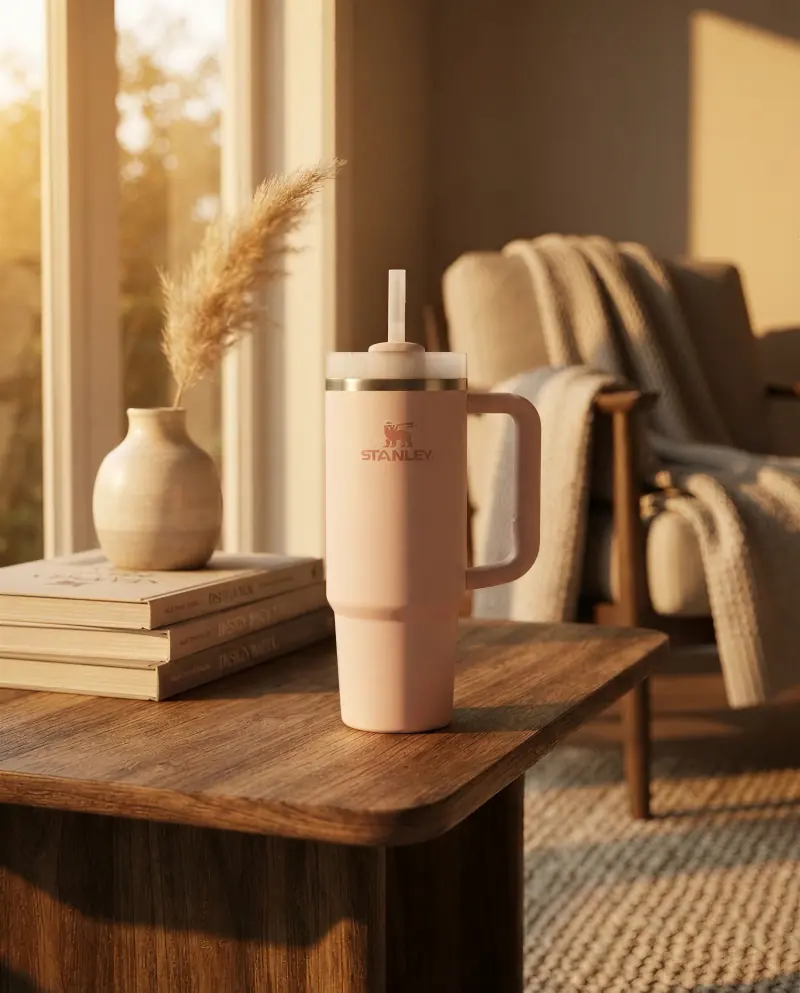
01 / Studio photography
The Amazon source stays on the left. The generated lifestyle image stays on the right.
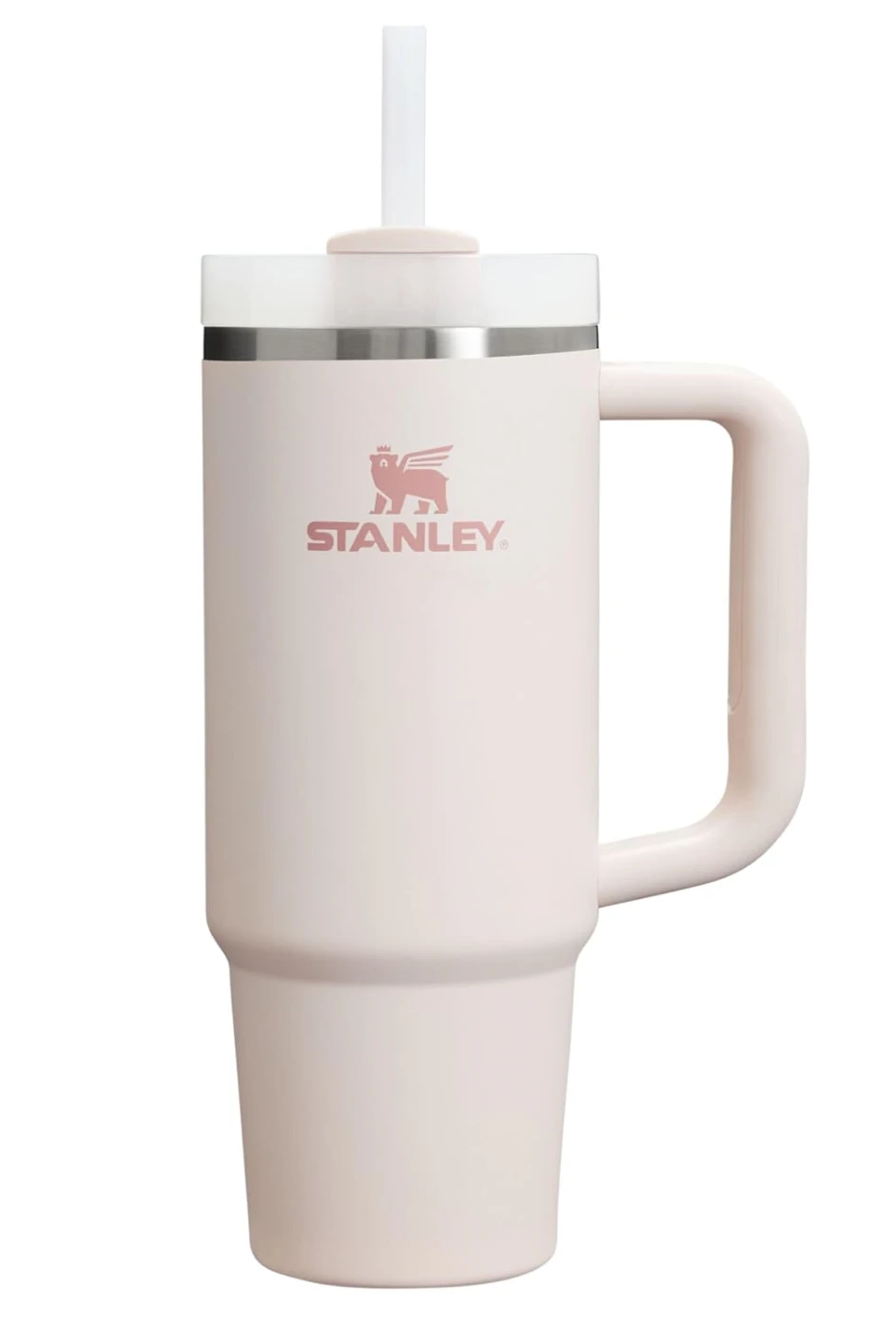
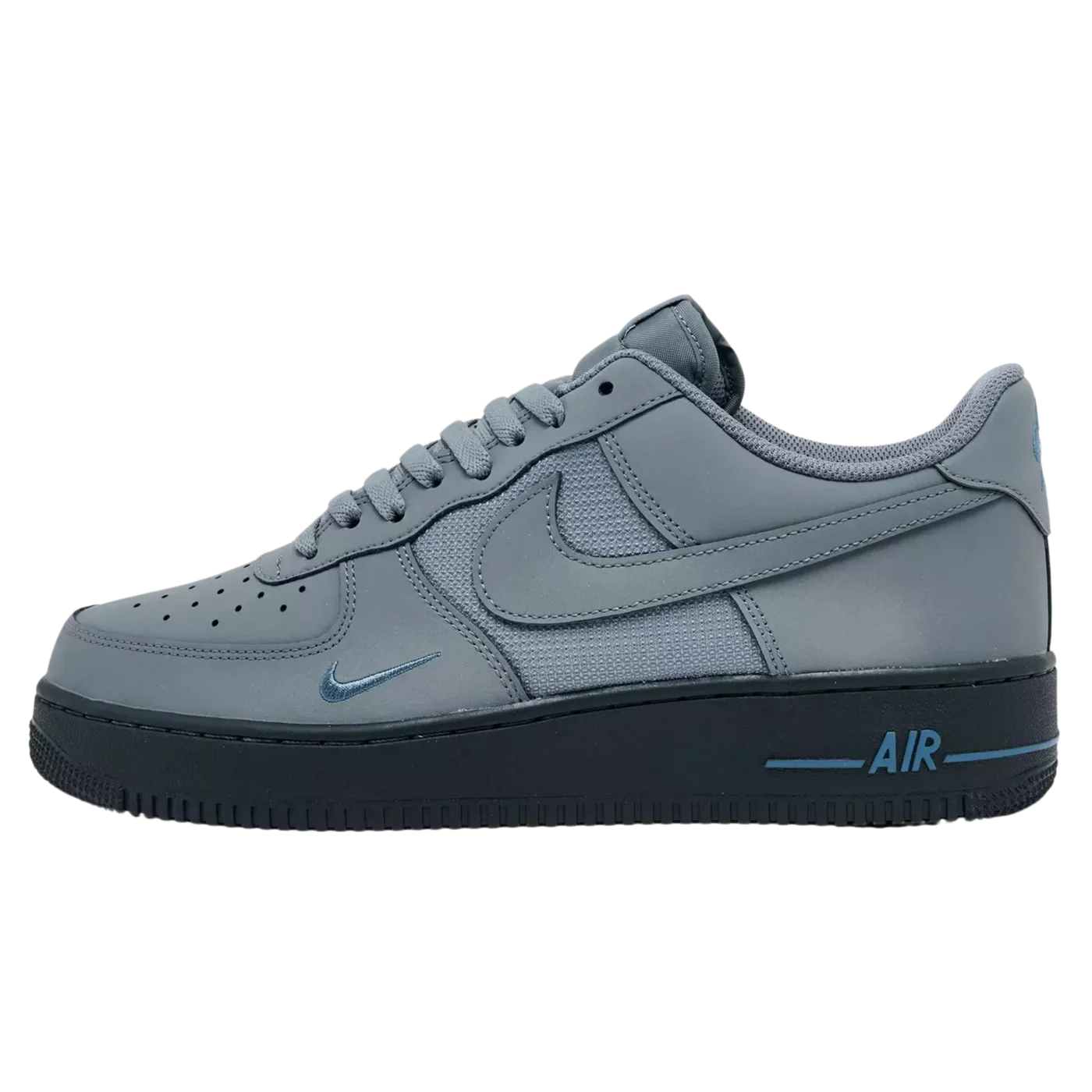
02 / Product video
The original stays beside the finished result.
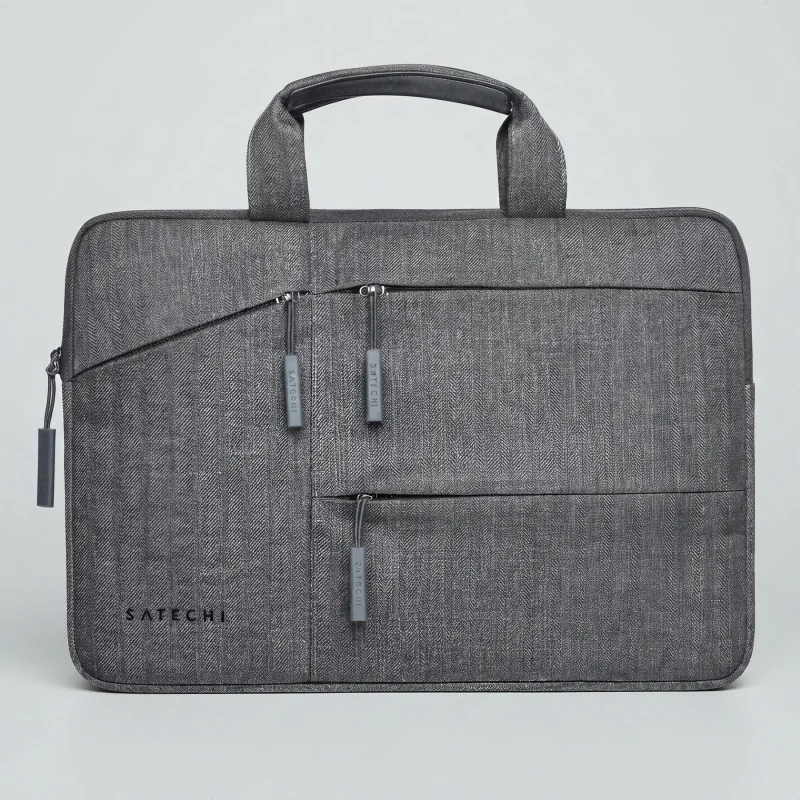
03 / Product demonstration
The original handbag photo stays beside its finished product video.
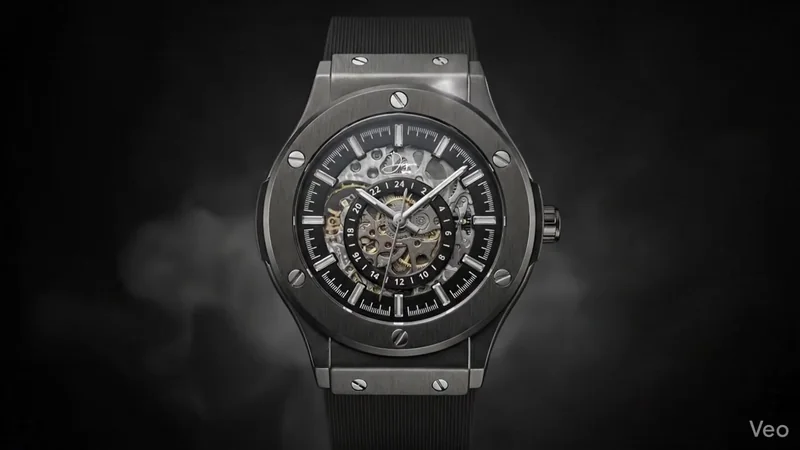
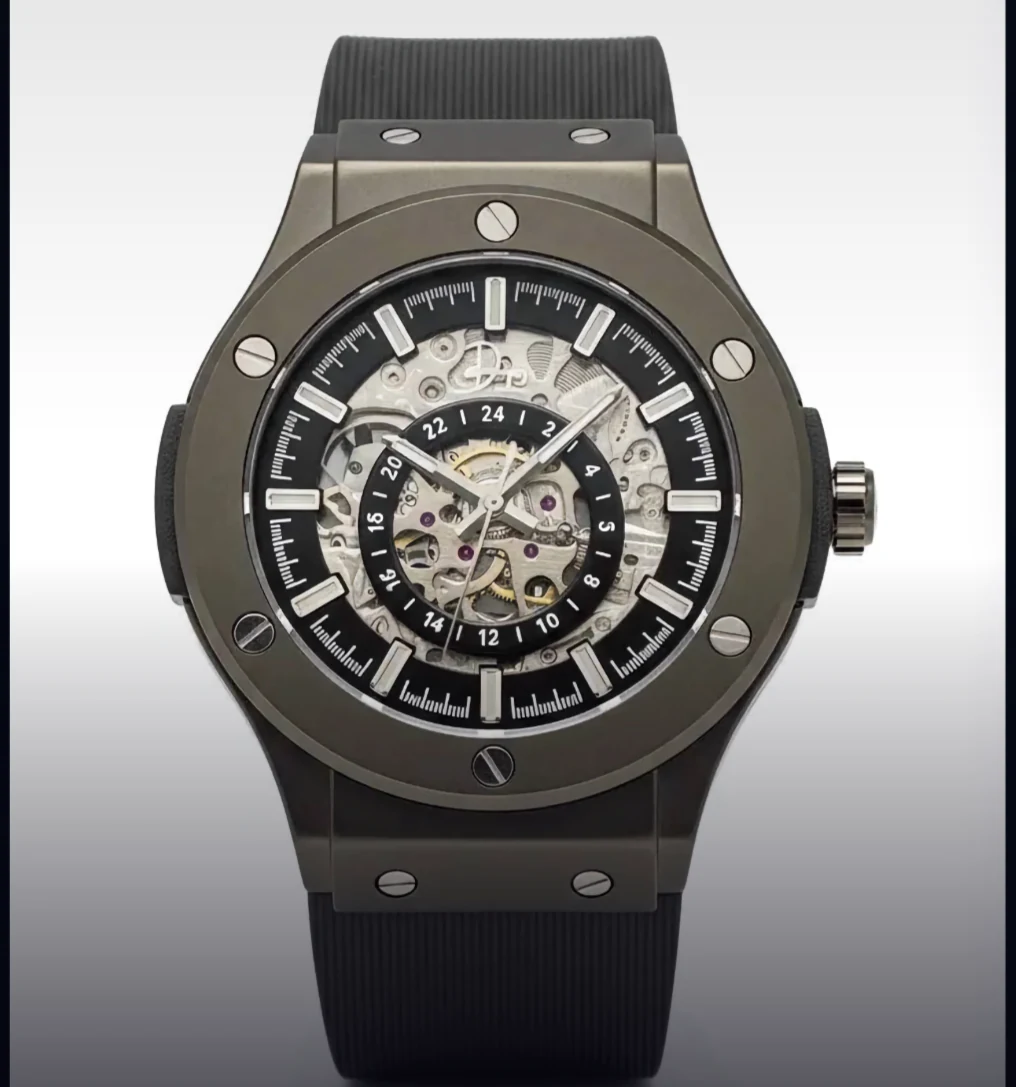
04 / Campaign films
The original watch photo stays beside its campaign film.
Start with the approved product, then follow one campaign as it moves through scenes, motion, advertising, and an interactive 3D model.
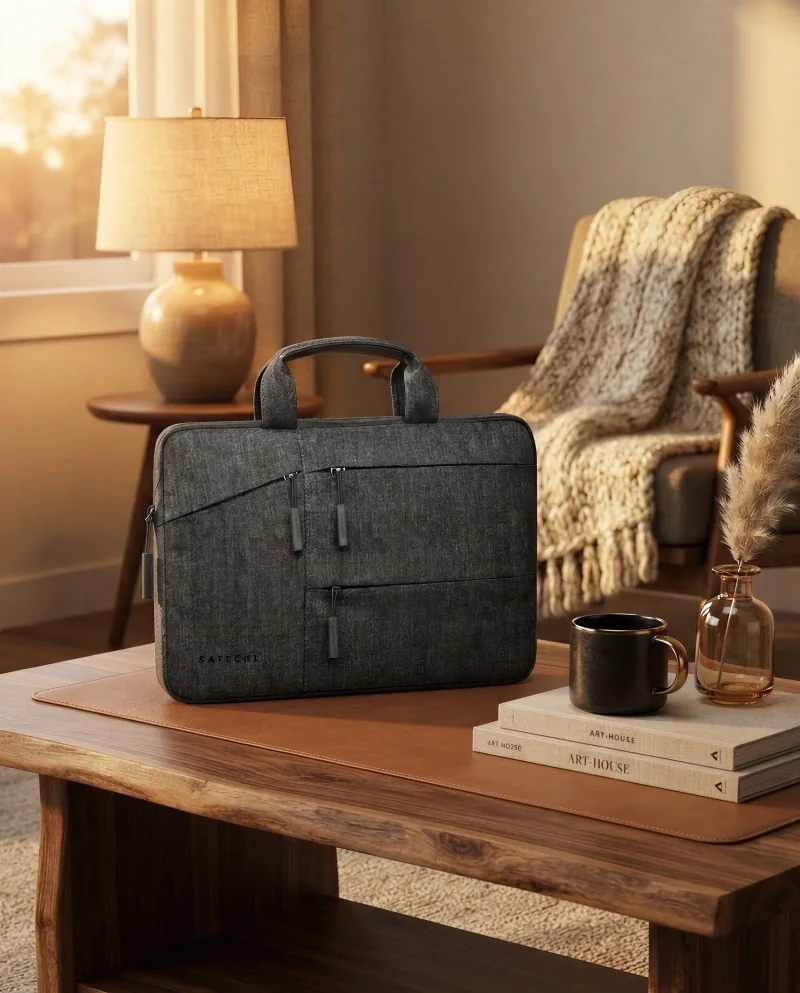
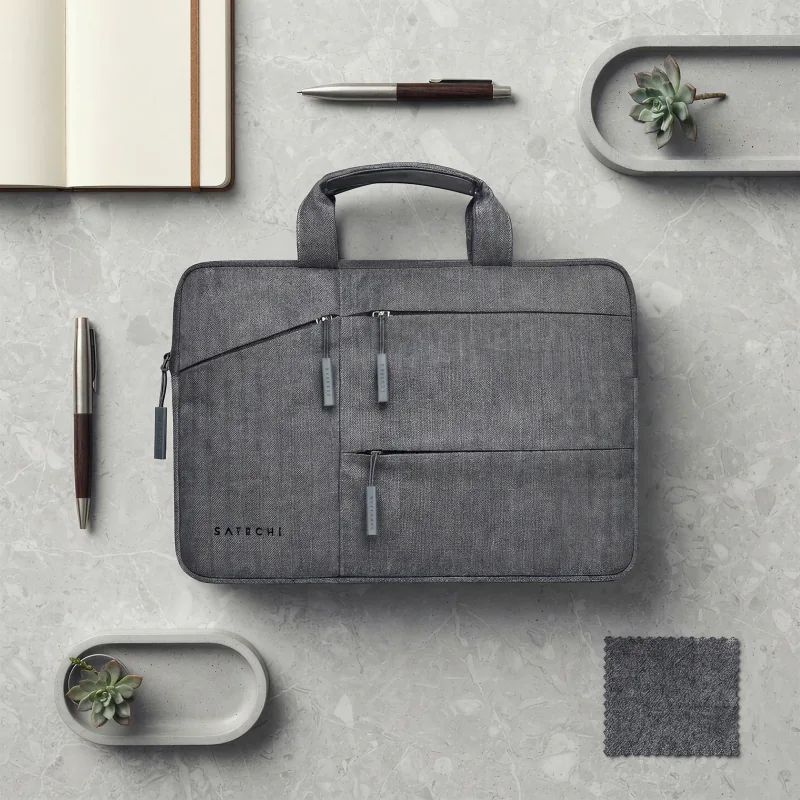
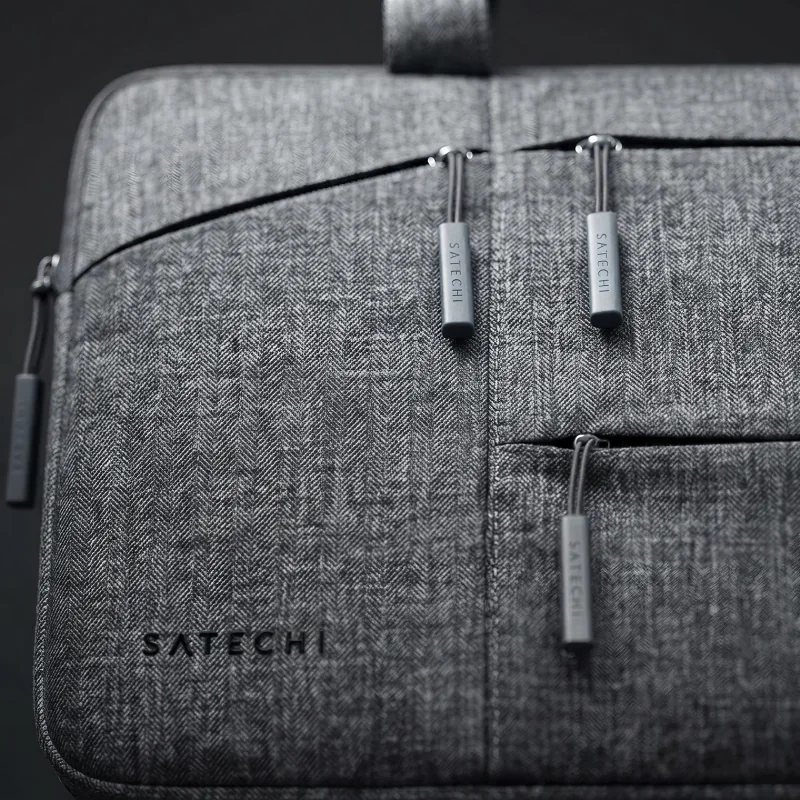
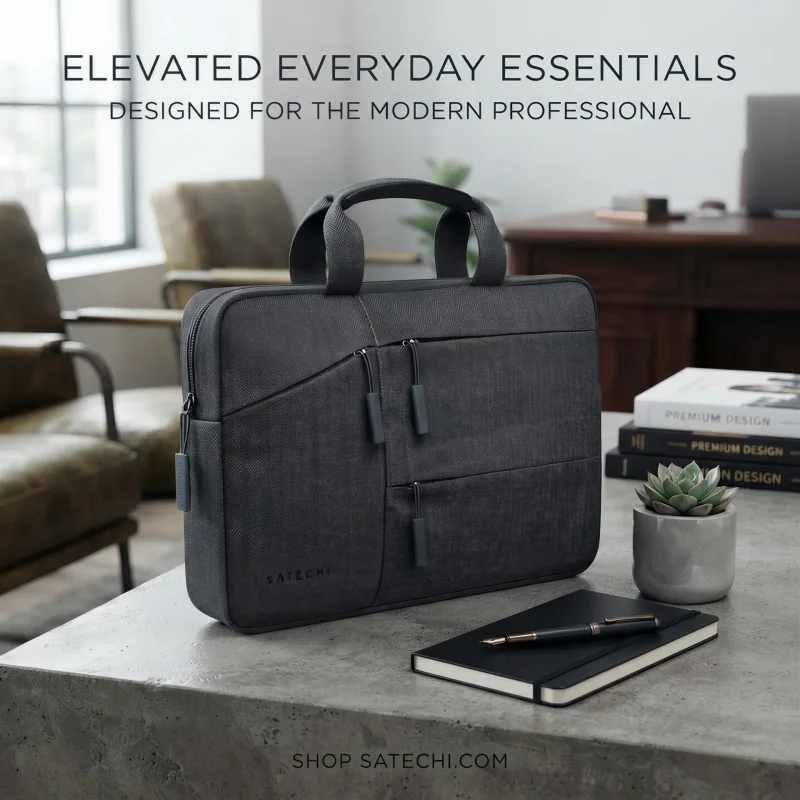
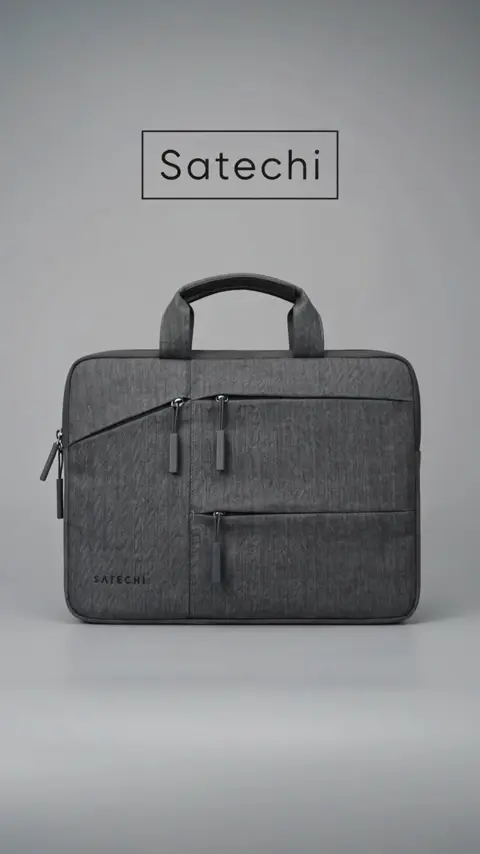
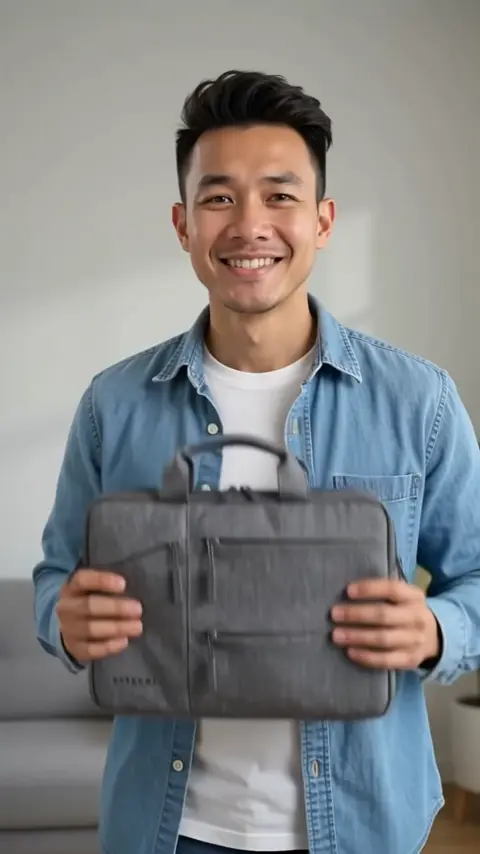
One creative system
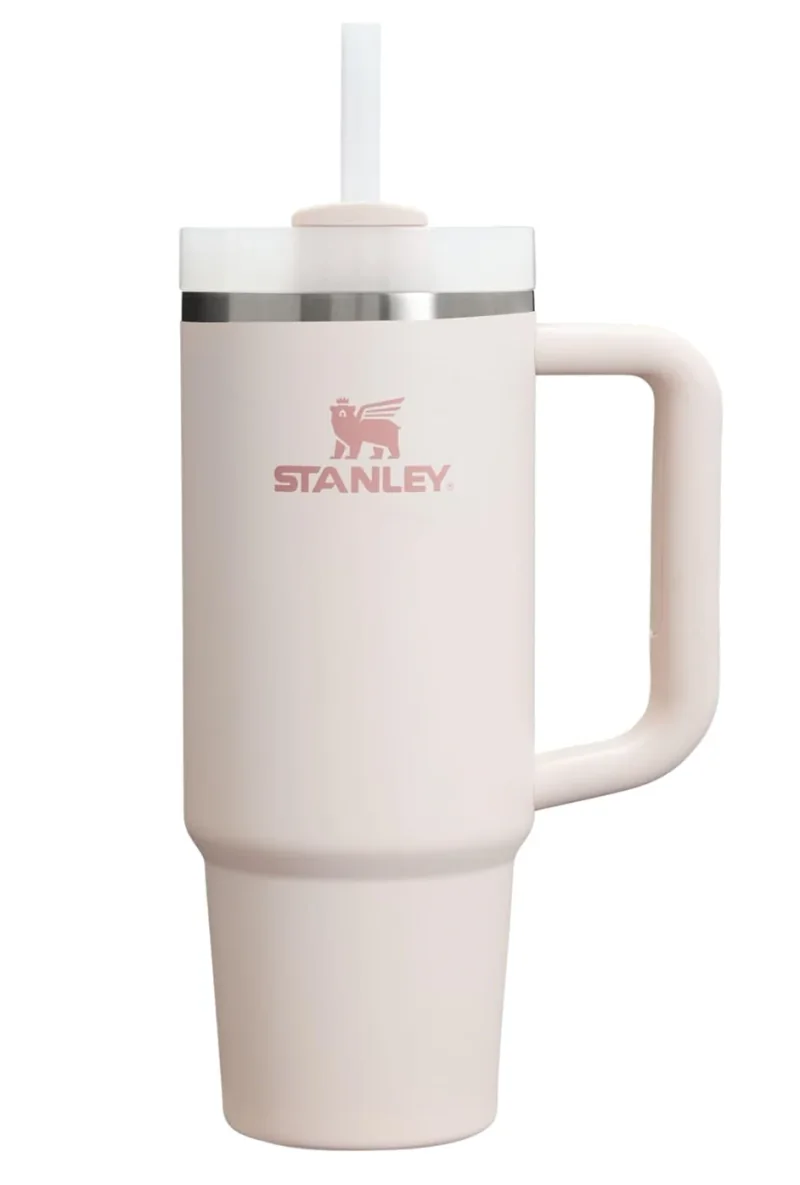
Start with an approved product image
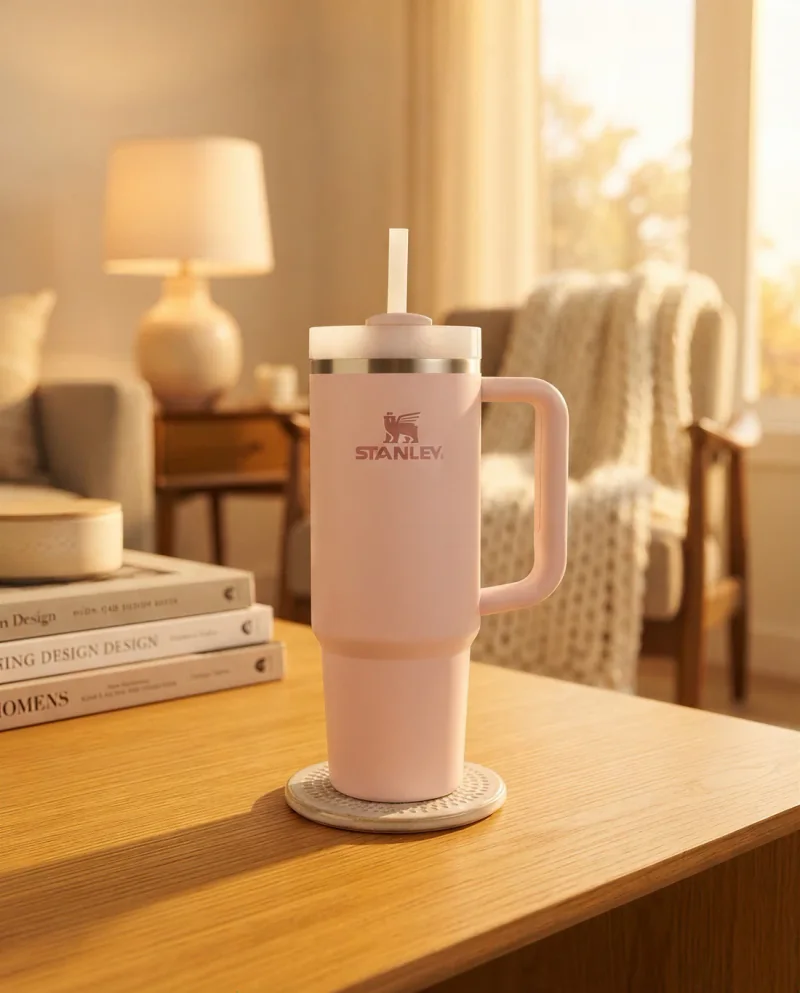
Repurpose the same product for the next channel
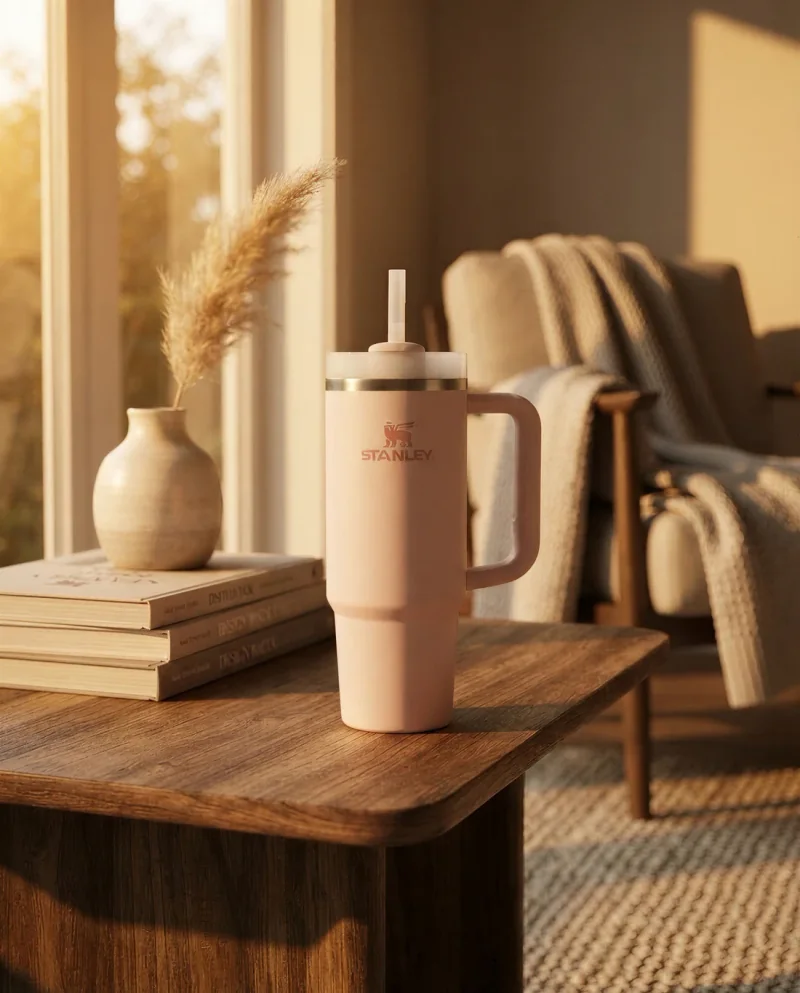
Compare every version before you export it.
56%
of shoppers began by exploring product images when they reached a product page.
Baymard: product-page usability research25%
of ecommerce sites lacked images or zoom quality sufficient for product evaluation.
25% of E-Commerce Sites Don’t Have Product Images with Sufficient Resolution or Level of ZoomZoom-ready
High-resolution detail views help shoppers inspect the features that matter before they buy.
Baymard: image resolution and zoom researchStart with one clear product image you approve. Keep it unchanged when it already works, or generate a new image for another setting, crop, or campaign. Review every result against the source before you publish it.
Start with the listing images shoppers need: a clear main view, detail shots, and images that answer fit, size, material, or use questions. Add lifestyle images and campaign creative after the product is covered.
Yes. Keep the original product photo when it is the right asset. Choose image generation only when you need a new scene, crop, angle, or marketing direction.
Yes. CREATR can help you create product images, lifestyle scenes, and video ad creative from an approved source image. Review each final asset before it goes on a listing, landing page, or ad.
Yes. CREATR is built for ecommerce teams creating product creative for their own store, marketplaces, and social campaigns.
Plans start at $10 per month and are based on credits. Tool access and included features vary by plan. Compare the plans to choose the tools and credit allowance that fit your catalog and campaign volume.
“I tried every AI image generator I could find, but logos and small text still came back warped or unreadable, the decent options were obscenely expensive, and I often stared at the cursor because I knew I needed videos but had no idea what scene to describe. I built CREATR to solve those problems for small business owners: reliable quality at an affordable price, with a simple three-click workflow so you don’t have to figure out what to write.”