Best AI Product Photography Tools in 2026
Choose the tool for the work you actually need to publish.
A clean listing image, a styled campaign, and a catalog pipeline are different buying decisions. Here is how Photoroom, Claid, Pebblely, Flair, and CREATR compare on workflow, pricing structure, and the details to check before subscribing.
By CREATR · Updated . We make one of the products compared here. This is a review of published capabilities and pricing, not a hands-on cross-tool benchmark. No quality scores or conversion results are claimed.
Your shortlist, by job
Start with the deliverable. Then test two candidates with the same product.
What each tool actually offers
Published details checked October 31, 2026. Prices below use the billing basis stated in each row; an annual monthly equivalent is not a monthly subscription. Local prices, taxes, quotas, and availability can change. Follow each pricing link before purchasing.
| Tool | Published capabilities | Price or trial entry | Check before buying |
|---|---|---|---|
| Photoroom | Cutouts, generated backgrounds, batch editing; video on eligible plans. | Pro: US$7.50/month equivalent, billed yearly.Pricing source | Pro does not include video. API subscriptions are separate from app subscriptions. |
| Claid | Enhancement, backgrounds, fashion, and image-to-video; documented APIs. | 50 web trial credits plus 50 API trial credits; paid plans vary.Pricing source | Operations consume different credit amounts. Web and API usage need separate budgeting. |
| Pebblely | Themed scenes and custom prompts; bulk generation on Basic and Pro. | Lite: US$9/month for 30 images. Basic: US$19 for 200.Pricing source | Lite does not list bulk generation. Confirm support for any required non-image deliverables. |
| Flair | Product imagery, custom models, on-model photography, and video. | Free plan lists 5 generated images and 1 video generation.Pricing source | Paid quotas, custom-model allowances, and company commercial licensing differ by plan. |
| CREATROur product | Photo tools, product-view sets, video, avatars, copy, and 3D tools. | Starter: US$10/month for 200 credits; standard photos use 5 credits.Pricing source | Credits are shared across tools. A multi-view photo set is different from multi-SKU automation. |
A listed capability does not mean unlimited usage. Where a feature or plan entitlement is unclear, confirm it with the provider.
Where each tool fits—and what to test
Photoroom
Listing images and repeatable catalog editing
Put Photoroom on your shortlist when the recurring job is preparing listing images: cut out the product, establish a consistent presentation, and repeat the edit across a catalog. Its documented product goes well beyond background removal, with generated scenes, image editing, batch workflows, and an API.
The useful purchasing distinction is the plan. The published comparison puts video on Max and Ultra rather than Pro. An annual headline price represents a yearly commitment; it is not the amount you pay for a single month. Developers should price the API separately instead of assuming an app subscription includes production API usage.
Test before choosing: Run several products through the same edit. Inspect fine edges, transparent areas, shadows, and the exported crop. If video is part of the brief, evaluate the plan that actually includes it.
Claid
Image operations inside a production pipeline
Claid is a candidate when image processing needs to join a repeatable software workflow. Its public documentation covers background generation, enhancement, resizing, shadows, fashion imagery, and image-to-video. Teams can also start in its web interface before deciding whether an API integration is justified.
Compare the operations your pipeline actually runs. Claid publishes different credit charges for generation, editing, and video, and documents combining operations in a request. A credit is not a universal unit of finished photography. Include integration work, storage of results, failure handling, and human review when estimating the cost of an automated workflow.
Test before choosing: Send representative inputs through the complete sequence you need, including export. Record latency and failed jobs yourself; an endpoint list does not establish your production throughput.
Pebblely
Product backgrounds with a focused starting workflow
Pebblely is worth evaluating when your main deliverable is a product in a new scene. Its public workflow emphasizes background themes, custom prompts, and variants for marketing placements. This focus can make the evaluation more straightforward when you are buying photography rather than an entire campaign-production system.
Its current pricing lists 30 images on Lite, 200 on Basic, and 500 on Pro; Basic and Pro explicitly list bulk generation. That makes Basic the starting tier to evaluate for bulk work. Compare the tier that fits your volume, and check the current documentation if your brief also requires motion, specific export settings, or a store connection.
Test before choosing: Use your own product with one simple background and one scene involving a surface or prop. Check whether contact shadows, scale, and the product outline remain believable after export.
Flair
Creative teams exploring styled product assets
Include Flair when the brief calls for styled product creative and you want to explore its model-based production options. Its published offering includes on-model photography and product video as well as still images. The practical question is whether that creative setup helps you repeat an approved style across your own products.
Read the plan details closely. Flair separates custom-model allowances, generated-image quotas, video quotas, and company commercial licensing. Its pricing page also distinguishes instant and ad generations from ordinary image generations. Before using it for client work, establish the appropriate license and the effective allowance for the operations you intend to run.
Test before choosing: Try the same brand direction across more than one product. Judge consistency, the setup effort involved, and whether a custom model is useful for your actual catalog.
CREATR
One approved product source across several asset types
Consider CREATR when the next job extends beyond a single photo: a lifestyle scene, a set of product views, a product film, an avatar-led ad, or supporting copy. The workflow starts with an approved product image and offers separate tools for those deliverables. This page is published by CREATR, so our inclusion is an affiliated recommendation.
The broader tool selection is useful only if you will use it. If the job is occasional cutout editing, compare that simpler workflow first. CREATR uses a shared credit balance, so mixing photos and video changes the number of assets a plan can produce. Do not equate a photo pack for one item with automated processing of hundreds of different SKUs, or assume a public production API is included.
Test before choosing: Keep the source beside the result and try the actual tools your team needs. Review labels, logos, material, and geometry on every output. Use the public examples as illustrations, then evaluate with your own product.
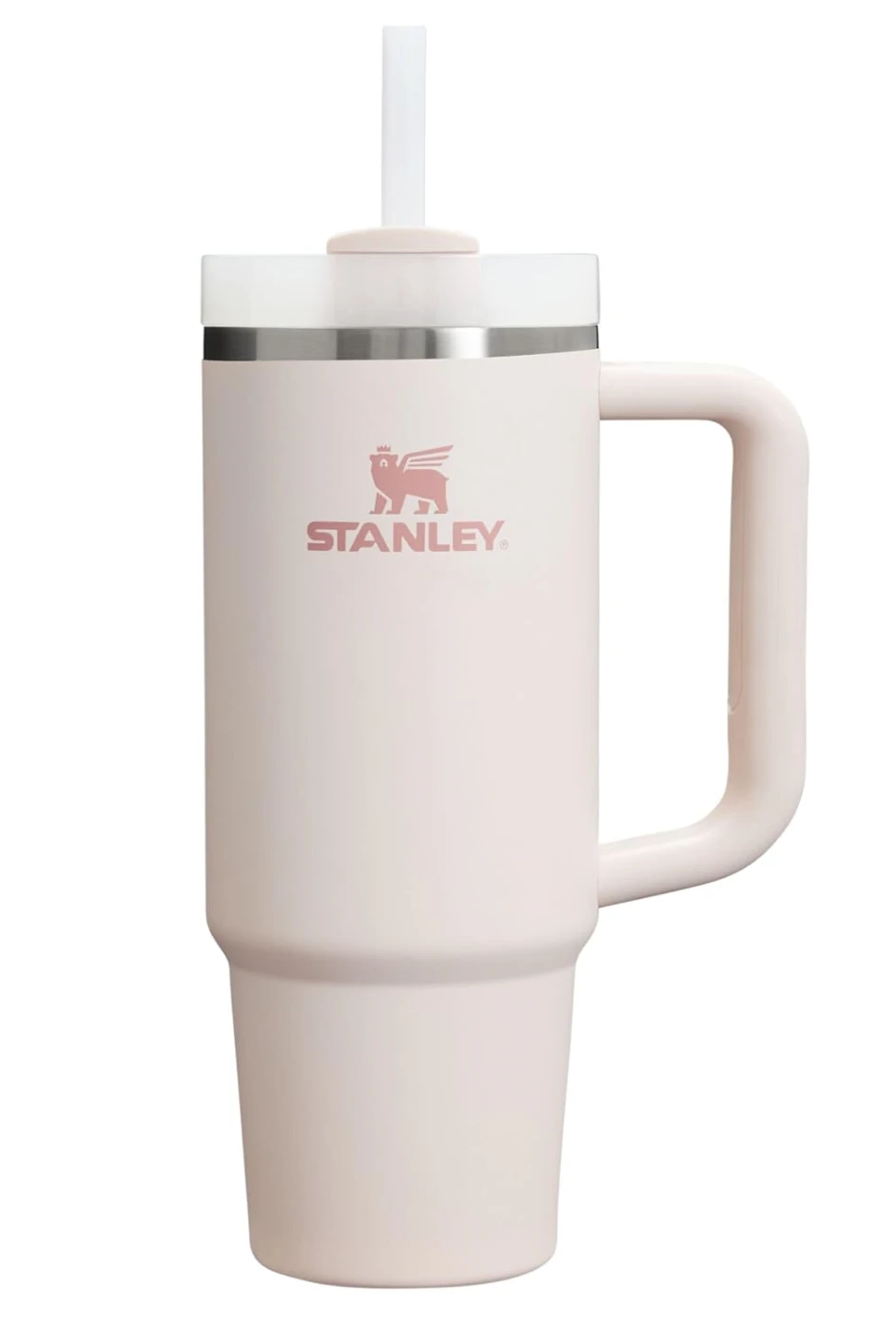

A result is only useful if it is still your product.
This existing CREATR example shows the comparison to make: source beside output. Inspect the shape, lid, handle, color, and branded details before approving the scene.
This is a CREATR illustration, not evidence that it outperformed another tool. We have not generated matching examples across the five platforms for this guide.
Inspect the existing showcaseRun a small, fair test before committing
Pick a simple item and a difficult one from your own catalog. A plain box tests the basic workflow; jewelry, transparent packaging, or fine print exposes failures a polished demo might miss. Use images you have permission to upload.
Fix the brief before you generate.
Give each candidate the same source, required aspect ratio, scene description, and output purpose. Request a clean listing view and a lifestyle scene. If you publish video, include a separate motion brief. Keep the available review time and generation allowance comparable.
Judge the exported file against the source.
Check the silhouette, component count, logo, wording, texture, reflections, and color at full size. Then inspect the file in the actual product-page or ad layout. A believable background does not compensate for a changed label, an extra handle, or a product that looks like a different variant.
Record everything it took to get there.
Count generations, rejected assets, manual edits, and minutes spent. Repeat the brief across several SKUs. Note whether a colleague can reproduce the approved style without rebuilding the workflow. Only then decide whether the tool fits routine production.
These are proposed evaluation steps, not results we have already measured. Keep your own notes so the purchasing decision rests on your products and approval standard.
Compare cost per approved asset
Subscription prices are the entry cost. Your production cost also includes extra credits, correction work, and review. Do not compare one provider’s credit count directly with another’s: operations, resolution, and video duration can change what a credit buys.
Cost per approved asset =
(allocated subscription + extra usage + editing and review labor) ÷ approved assets
Illustrative calculation: US$30 in tool costs plus one hour of review valued at US$30, divided by 20 approved images, equals US$3 per approved image. Those are example inputs, not measured results for any platform.
For CREATR, a US$10 Starter month provides 200 credits. At five credits per standard photo, spending the whole balance on that operation gives 40 generations before retries or other tool use. That is a generation allowance, not a promise of 40 approved images. Check the credit charge shown in the tool before generating.
For a catalog workflow, also ask about per-batch limits, API billing, export restrictions, seat costs, rights for client work, and what happens to unused allowances. Choose the billing period after a pilot; an attractive yearly equivalent can still be the wrong purchase for a one-off campaign.
Choose for the next real job
If listing cleanup dominates your week, start by comparing Photoroom with your existing editing process. If you need processing inside a software pipeline, evaluate Claid’s documented API operations. If product backgrounds are the main task, trial Pebblely at the tier that matches your batch size. If styled creative and model-based workflows matter, put Flair through the same brief.
Choose CREATR for evaluation when your approved source needs to become several different assets across photo, motion, and campaign workflows. Keep the decision conditional on the results you can approve. A platform with more tools is not automatically a better fit for a narrow job.
Keep traditional photography in the workflow when you need an accurate first capture, unseen product angles, or physical details that the available source does not show. Generated views should not become evidence of features you have never verified.
Questions before you subscribe
Which AI product photography tool is best?
Start with the job you repeat. Shortlist Photoroom for listing-image production, Claid for API-led operations, Pebblely for product backgrounds, Flair for styled creative, and CREATR for a source-to-campaign workflow across asset types. These are workflow recommendations based on published capabilities, not measured image-quality rankings.
Can these tools keep my product completely unchanged?
Do not assume so. Compare every generated result with the source, especially small text, logos, reflections, transparent materials, seams, and the number of components. If an asset must preserve exact physical detail, retain the original photograph or use a controlled edit that passes your review.
Do Photoroom and Claid offer video?
Yes. Photoroom lists video on eligible plans, including Max and Ultra in its current plan comparison. Claid documents image-to-video in its web platform and API. Check the relevant plan, video duration, and credit cost rather than treating video as exclusive to CREATR.
Can I use generated images on Shopify or Amazon?
Check the current requirements for the destination and image placement. A lifestyle image and a main marketplace listing image have different jobs. Inspect the product, crop, file format, resolution, and any added text before publishing. An AI tool cannot guarantee that every generated output meets every marketplace rule.
Does an inexpensive plan mean cheaper usable photos?
Only if the outputs meet your brief without too much correction. Count rejected generations, editing, export work, and review time. Compare cost per approved asset over a representative batch; monthly subscription prices and credit totals alone cannot tell you which workflow costs less.
Sources and comparison method
CREATR publishes this guide and sells one of the products discussed. We reviewed the linked official product, plan, and API pages on October 31, 2026. Workflow fit is our editorial assessment of those published capabilities. We did not run a controlled cross-platform output test, independently measure speed, or establish conversion gains. Tool order is not a quality ranking.
- Photoroom
- Claid
- Pebblely
- Flair
- CREATR
Plan details can change. If a linked source conflicts with this guide, check the provider’s current terms and checkout before paying. We show a published price only with its stated basis; trial credits and free-plan allowances are not presented as equivalent subscriptions.
Try CREATR with a product you know.
Bring a clear source photo, choose the asset you need next, and review the result against the original. Judge the workflow by what your team can actually approve.