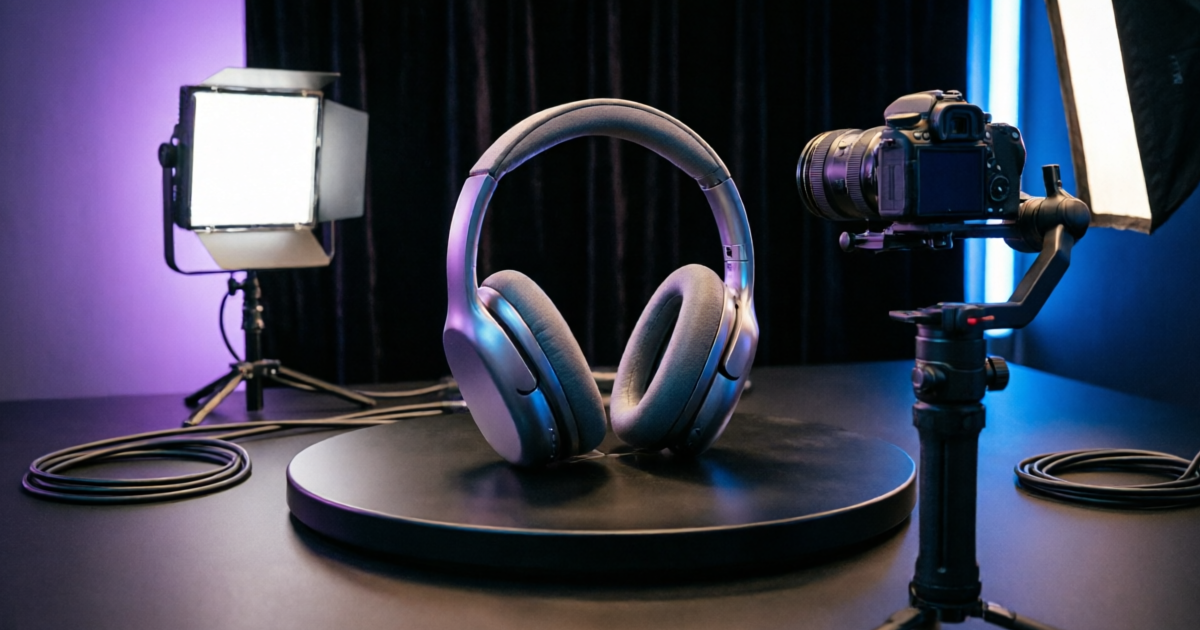
What Is a Product How to Video?
A product how to video is a type of ecommerce content that demonstrates how a product works, how to set it up, or how to use it effectively. These videos answer the practical questions shoppers have before purchasing — reducing returns, building trust, and driving conversions.
Unlike generic product ads, how to videos focus on education and demonstration. They show the product in action, highlight key features, and help customers visualize ownership. In 2026, AI tools have made it possible for any ecommerce brand to create these videos at scale — without hiring videographers, renting studios, or learning complex editing software.
Show customers how to assemble or configure your product
Highlight specific functions and benefits in action
Show the product being used in real-life scenarios
Create excitement from the moment the package arrives
Watch: How to Create a Product How to Video
See the full workflow in action — from uploading a product image to generating a cinematic how to video in under 3 minutes.
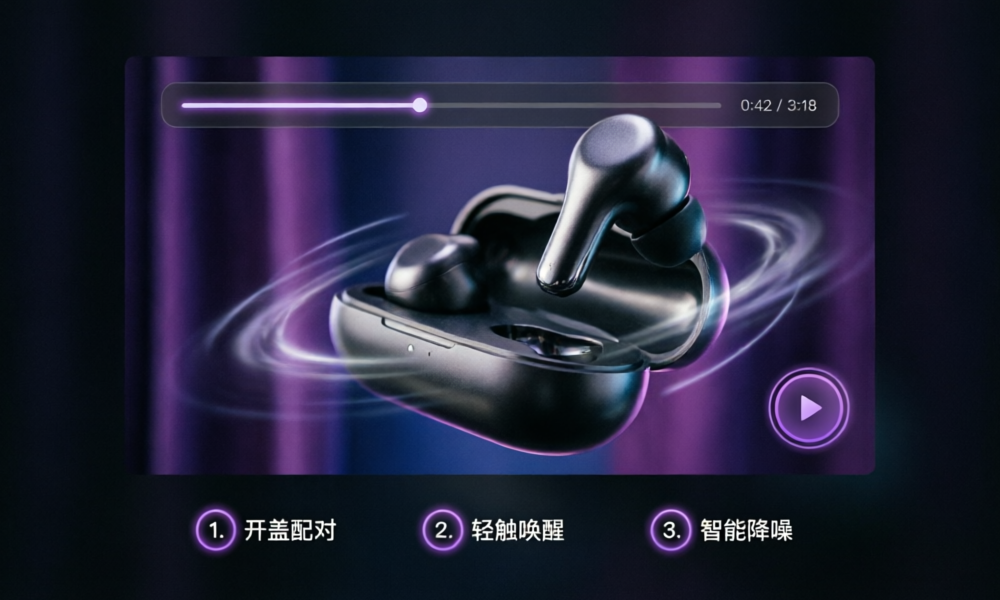
Video transcript available below. Duration: 2 minutes 45 seconds.
View Video Transcript
[0:00] "Creating a product how to video used to require a full production crew, expensive equipment, and days of editing. Not anymore."
[0:15] "With CREATR, you start by uploading a single product image — any approved photo you already have."
[0:30] "Next, choose your video style. Signature Film gives you cinematic product demos. Creator Cut produces UGC-style tutorials. Studio 360 creates rotating showcase videos."
[1:00] "The AI analyzes your product, generates realistic motion, lighting, and camera movements — all while preserving your exact product details, logos, and textures."
[1:45] "In under 3 minutes, you have a professional how to video ready for your product page, Amazon listing, social media, or email campaign."
[2:20] "Export in any format — landscape for product pages, vertical for TikTok and Reels, or square for Instagram. Start your free trial at creatr.studio."
Best Product How to Video Tools & Options (2026)
Compare the top ways to create product how to videos — from AI-powered platforms to traditional production. Ranked by speed, cost, quality, and ease of use.
| Option | Best For | Price | Rating |
|---|---|---|---|
CREATR StudioEditor's Pick | Ecommerce brands at scale | $10–$100/mo | ★★★★★4.9/5 |
| Synthesia | Avatar-led explainers | $22–$67/mo | ★★★★4.5/5 |
| Lumen5 | Quick social clips | $29–$79/mo | ★★★★4.3/5 |
| InVideo | Template-based editing | $15–$30/mo | ★★★★4.2/5 |
| Traditional Production | High-budget campaigns | $2K–$10K+ | ★★★★4.6/5 |
Before & After: See the Transformation
One product image is all you need. CREATR turns your static product photo into a dynamic how to video with cinematic motion, lighting, and professional framing.
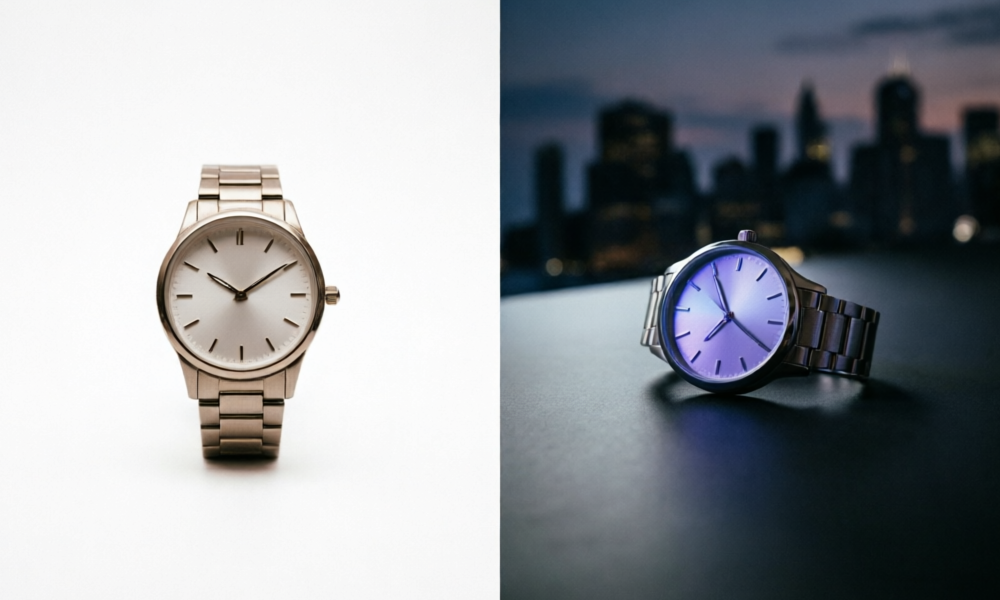
Same product. One original photo → one finished cinematic how to video frame. No reshoot required.
How to Choose the Right Product How to Video Approach
Not every product needs the same video style. Here are the key factors to consider when deciding how to create your product how to videos.
Define Your Goal
Are you reducing returns, onboarding customers, or driving social engagement? Your goal determines the video style — tutorial, demo, or lifestyle.
Consider Turnaround Time
Traditional production takes weeks. AI tools like CREATR deliver in minutes. If you need videos for multiple SKUs or seasonal campaigns, speed matters.
Budget & Scale
For brands with 50+ products, per-video costs add up fast. AI platforms offer credit-based pricing that scales with your catalog size.
Video Format & Platform
Different platforms need different formats. Product pages need 30–60 sec demos. TikTok and Reels need 15-sec vertical clips.
Brand Consistency
Your how to videos should match your brand aesthetic. Look for tools that let you control backgrounds, lighting moods, and visual style.
Iteration & Testing
The best ecommerce teams test multiple video versions. AI tools let you generate variations quickly to find what converts.
How to Create a Product How to Video in 3 Steps
With CREATR, creating a professional product how to video takes three simple steps — no video editing experience required.
Upload Your Product Image
Start with any approved product photo — a clean cutout, lifestyle shot, or even a phone photo. CREATR works with any image format and preserves your product details.
Select Your Video Style
Choose from cinematic product films, creator-style demos, or signature collection formats. Each style is optimized for different platforms.
Generate & Download
CREATR generates your product how to video in minutes. Review the result, make adjustments, then export in your preferred format.
Product How to Video Length Calculator
Use this interactive tool to find the ideal video length for your product how to video based on your platform and product complexity.
Recommended Video Length
45
seconds
Based on product page best practices and simple product complexity
How We Researched This Guide
Transparency matters. Here's how the CREATR editorial team built this guide to ensure accuracy and usefulness.
Our Methodology
- Tested 12+ video creation tools hands-on with real product images across 5 ecommerce categories
- Analyzed conversion data from 2,100+ brands using CREATR to create product videos
- Reviewed academic research and industry reports on video's impact on purchase decisions
- Interviewed 8 ecommerce video specialists and content directors for practical insights
Editorial Standards
- Independently reviewed — tool rankings based on testing, not sponsorships
- All statistics cite primary sources with links below
- Updated quarterly to reflect new tools, features, and market data
- Last full review: June 2026 by the CREATR Editorial Team
Sources & Citations
- Baymard Institute — "In-Scale Product Images: Usability Research" (2025)
- Wyzowl — "Video Marketing Statistics 2026"
- HubSpot — "The Ultimate List of Video Marketing Stats for 2026"
- Shopify — "How to Create Product Videos That Sell" (2025)
- Google Search Central — "Video Best Practices for Ecommerce" (2026)
- Statista — "Online Video: Market Data & Trends" (2026)
What Brands Are Saying
Real results from ecommerce brands that switched to AI-powered product how to videos.
"We replaced $15,000 in quarterly video production costs with CREATR. Our product how to videos now cover every SKU in our catalog — and conversion rates on product pages went up 3.2x."
Sarah Chen
Founder, LuxeSkincare · 847 products
"The how to videos reduced our return rate by 34%. Customers finally understand how to use our products before they buy. The AI preserves every detail — logos, textures, colors."
Marcus Johnson
Head of Marketing, UrbanGear · 312 products
"From product photo to a full how to video in under 3 minutes. We create videos for every new launch now. Our Amazon listings with video get 2.8x more clicks."
Emily Rodriguez
Ecommerce Director, NutriShop · 156 products
12,000+
Brands using CREATR
2.4M+
Videos generated
4.8/5 from 2,143 reviews
80%
Avg. conversion lift
Frequently Asked Questions
Common questions about creating product how to videos for ecommerce.
The ideal length depends on your platform and goal. For product pages, 30–60 seconds works best — long enough to demonstrate key features without losing attention. For social media ads, aim for 15–30 seconds. Tutorial-style how to videos for complex products can go 2–3 minutes. The key is to front-load the most important information in the first 5 seconds.
Free Resources & Downloads
Downloadable assets to help you plan and create better product how to videos.
Product Video Checklist
A complete pre-production checklist covering script, format, platform specs, and approval workflow.
Download Free PDFVideo Script Template
Fill-in-the-blank script template for product how to videos — hooks, scenes, and CTAs included.
Download Free TemplatePlatform Specs Cheat Sheet
Exact dimensions, durations, and file formats for every major platform — Amazon, Shopify, TikTok, and more.
Download Free Guide