AI photoshoot: a product photo pack from one image
An AI photoshoot uses a source photo to create images in different settings and styles. CREATR Photo Packs is built for products: upload one approved image and choose a set of studio, lifestyle or editorial directions for your store.
Use the generator above to choose your pack. For a coordinated launch, start with the Pro Pack’s five directions. For a listing update, choose the smaller E-Commerce pack and review the details your shoppers need to see.
Product guidance by CREATR · Updated
One product, five photoshoot directions
These blue-belt-bag images are the sample directions shown in Photo Packs. They illustrate composition and styling; they are not a record of a customer order or a promise of identical results. Compare every generated set with your actual product.
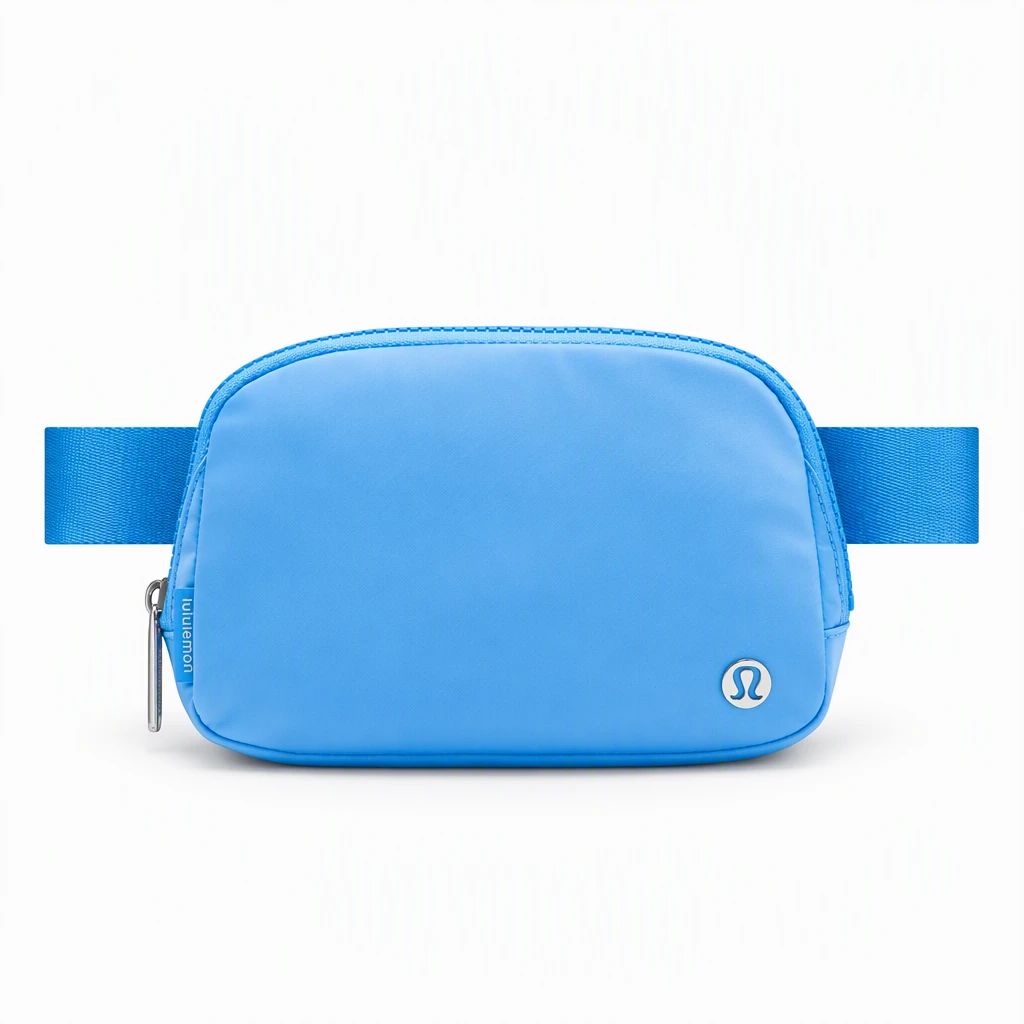
Studio
Inspect the silhouette, straps and hardware against the original product.
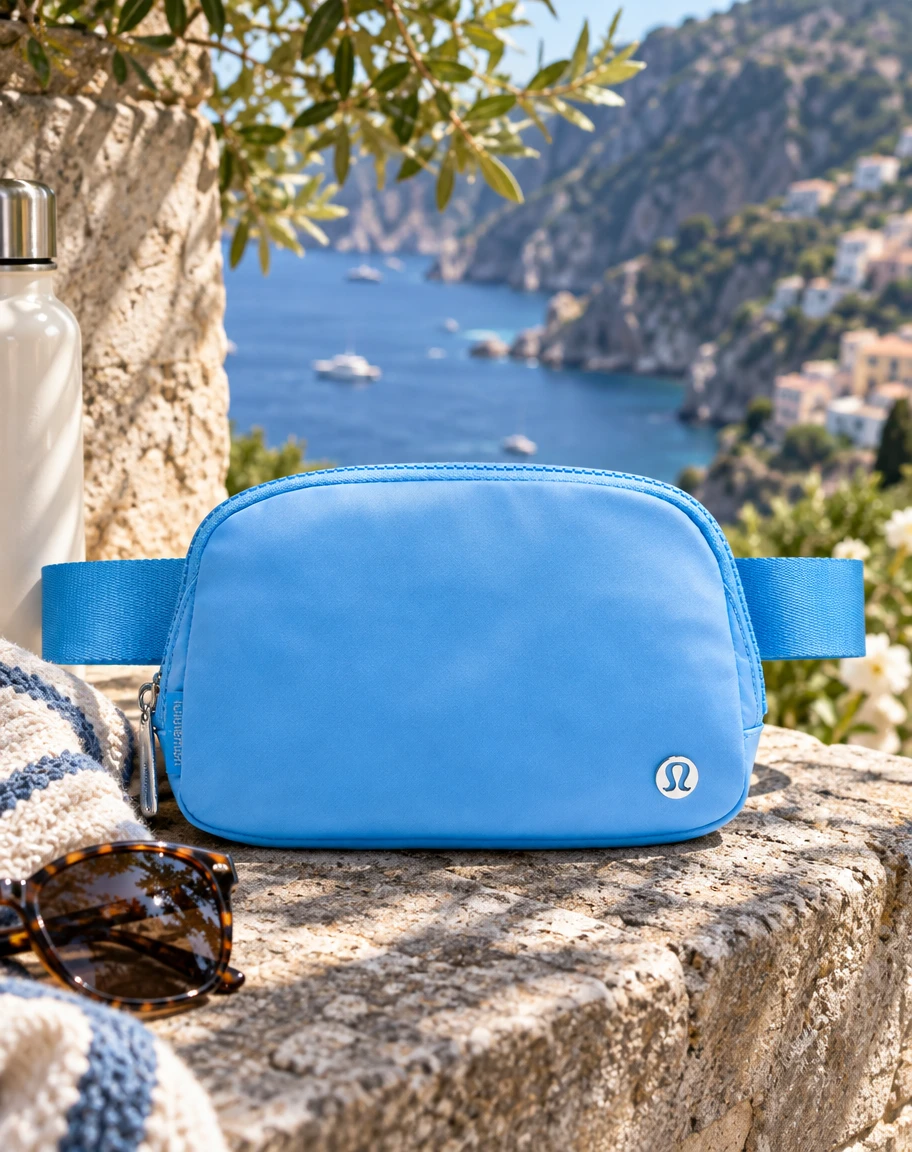
Lifestyle
Check that the setting suggests a believable scale and use.
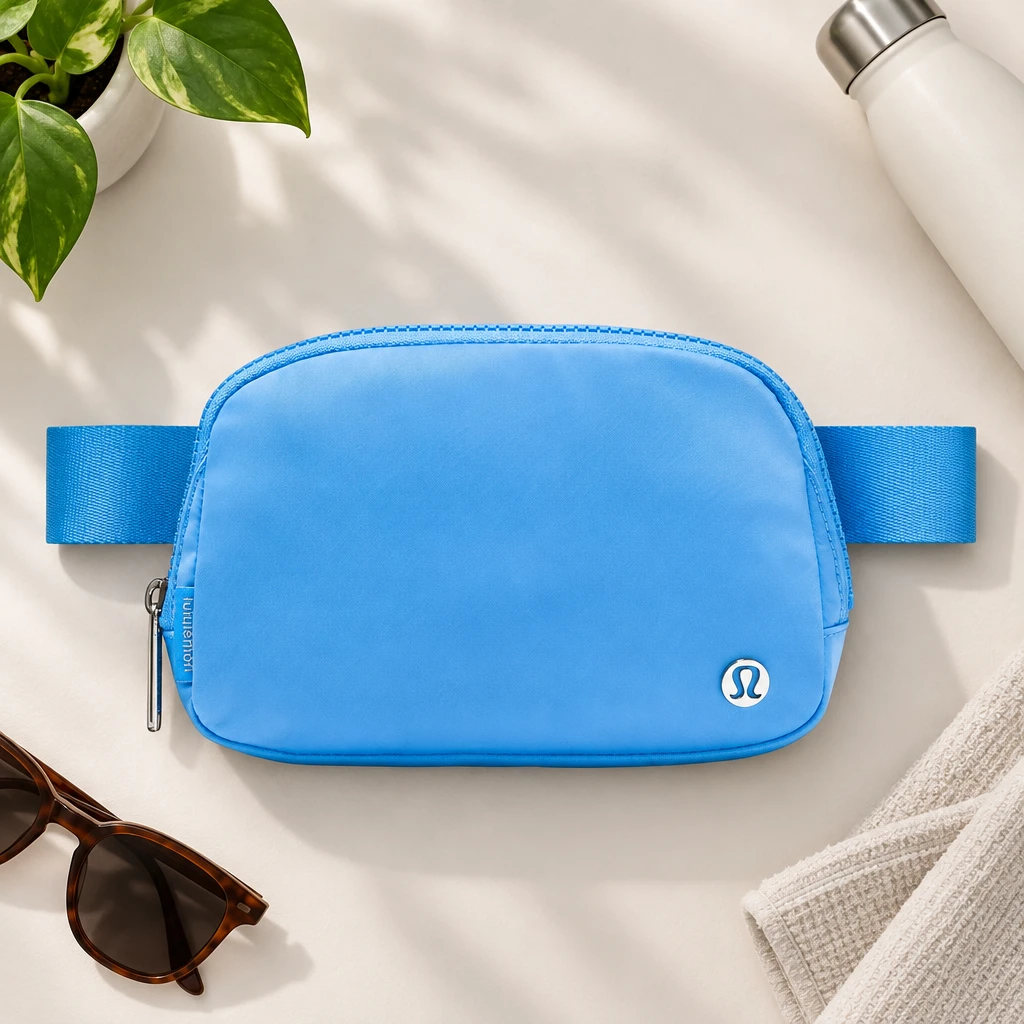
Flat lay
Use the overhead composition for a collection story or social post.
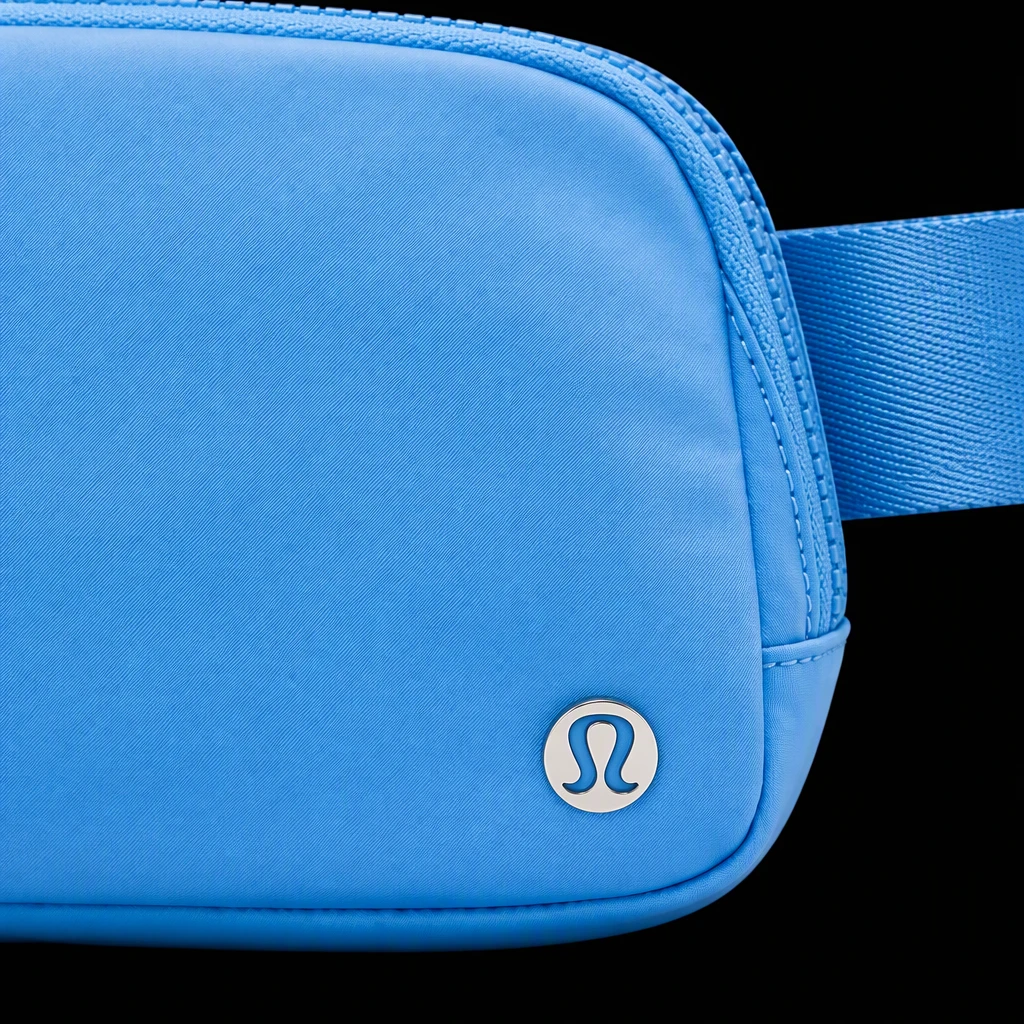
Close-up
Check stitching, texture and fastenings carefully at full size.
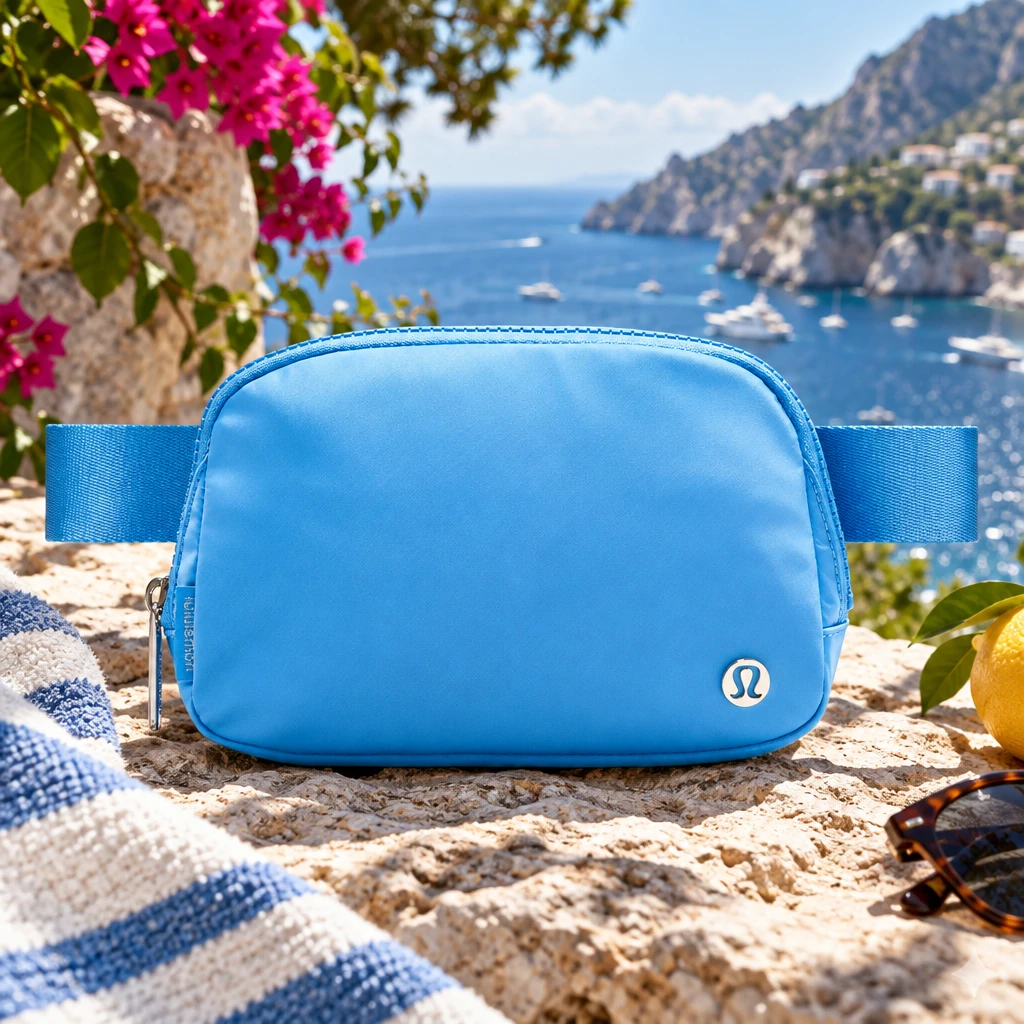
Editorial
Review the lighting and styling alongside the rest of the campaign.
Choose an AI photoshoot pack for the job
Choose the views you need before generating. The cost below is for each pack on its own. When packs share a style, that style is counted once in the combined selection.
| Pack | Directions | Credits |
|---|---|---|
| Pro PackA broader set for a product launch or store gallery. | Studio, lifestyle, flat lay, close-up and editorial | 25 |
| E-CommerceProduct pages that need a clear overview and supporting detail. | Studio, close-up and flat lay | 15 |
| Amazon WhiteA plain product view to review against your category requirements. | White-background product image | 5 |
| Social MediaSocial posts, email campaigns and creative concepts. | Lifestyle, flat lay and editorial | 15 |
Review the total beside Generate before starting. See current plans and trial credits for access and billing details.
How to create a product AI photoshoot
- Prepare the source photo. Show the whole product in focus, with even lighting and enough space around its edges. Avoid a cropped strap, glare over a label or a hand covering an important detail. Use an image you have permission to upload.
- Choose the destination and pack. A product page needs clear inspection views. A social campaign may need more atmosphere. Select the relevant pack cards above; check the selected styles and total credits.
- Generate and compare. Keep the original photo open while reviewing the new images. Check shape, color, seams, labels, materials and product count. Reject any image that changes what the customer will receive.
- Check the final placement. Inspect the crop at phone size and the detail at full size. Download approved images and review the rules for the store, marketplace or ad placement before publishing.
For a handbag launch, a useful brief is a clear studio view for the product gallery, a close-up of the fastening, a flat lay for an email and a lifestyle scene for social. The pack supplies creative directions; you still decide which results accurately represent the bag.
What AI can change, and what to check
AI can invent stitching, alter a logo or change how glass and polished metal reflect light. A close-up may look convincing while showing a detail that is not on the real item. Generated angles also cannot establish the dimensions or construction of a hidden side.
Use original photography when you need reliable evidence of a label, exact fit, measured size or material finish. A traditional shoot is also useful for documenting a real person using the actual product. Photo Packs can expand creative options from a good source image; it cannot guarantee exact reconstruction.
For Google Shopping, check Google’s AI-generated image requirements, including AI source metadata. Check exported files before submitting them. For Amazon, use the Amazon image guidance and your current category rules. A white background alone does not guarantee acceptance.
AI photoshoot questions
What is an AI photoshoot?
An AI photoshoot creates a set of images with artificial intelligence using a source photo and a chosen visual direction. In CREATR Photo Packs, the subject is your product: one uploaded product photo becomes studio, lifestyle, flat-lay, close-up or editorial images. Each result needs a product-accuracy check before use.
How do I create an AI photoshoot for a product?
Upload a clear product image, select the pack or packs that fit your placement, check the selected styles and credit total, then generate. Compare the results with the source photo before downloading or publishing. A single pack can be enough when you only need a few image types.
Is this an AI photoshoot of yourself?
Photo Packs is designed for product images. It does not train a personal portrait model from selfies. For model-led product imagery, explore CREATR’s Virtual Models tool and review the result for product and model accuracy.
Can I try an AI photoshoot for free?
Check the current CREATR pricing page for trial access and included credits. Photo Packs uses credits for the selected image styles, and the generator shows the total before you start. Ongoing generation depends on your available balance.
How much does a product photoshoot pack cost?
Each unique selected style uses 5 credits. The Pro Pack has five styles, E-Commerce and Social Media have three each, and Amazon White has one. When you combine packs, overlapping styles are counted once. Check the generator total and current pricing before generating.
Will AI preserve my product exactly?
Exact preservation is not guaranteed. AI can change logos, small text, geometry, materials or product count. Check each output against the source. Keep original photography for details the AI cannot reproduce accurately, especially labels, measurements, transparent surfaces and reflective parts.
Can I use the images on Shopify or Amazon?
Use approved results in placements that allow them, after checking the current platform and category rules. A white background alone does not establish Amazon compliance. For Google Shopping, review Google Merchant Center’s AI image metadata requirements before submitting generated images.
How is a photo pack different from batch generation?
A photo pack creates several visual directions for one product. Batch generation repeats a task across multiple products. Use Photo Packs to expand one product’s image set, and a batch workflow when you need the same treatment across a catalog.
What is a pack shot?
A pack shot is a clear product-first image used in a catalog, product listing or collection. A photoshoot pack can include a pack shot alongside lifestyle and editorial images that add context.